
d3VIEW Desktop
Run d3VIEW Applications Locally
Submit, upload, extract, visualize, and publish data without connecting to the platform through a web browser.
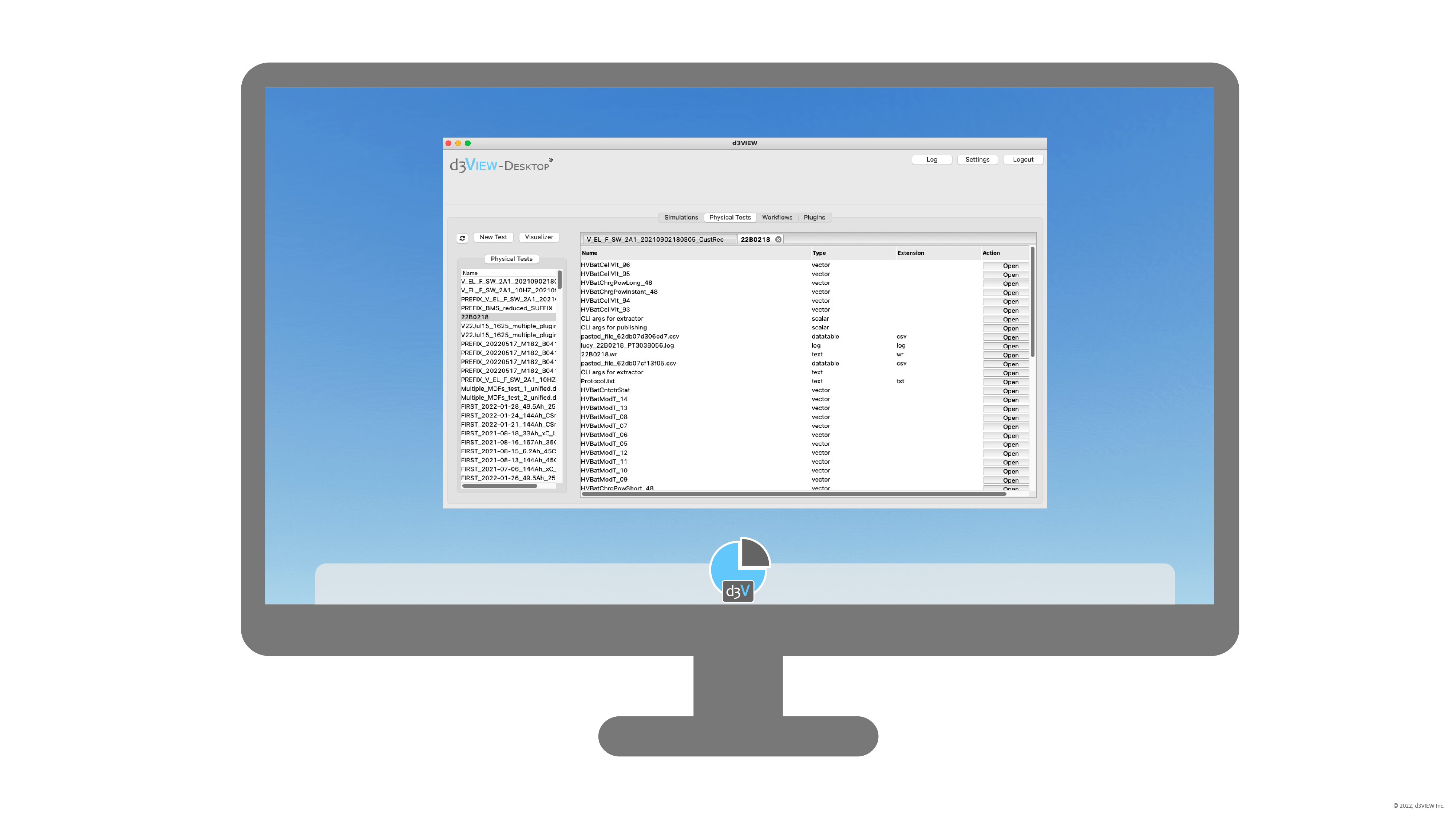
Fast and Lightweight
d3VIEW Desktop makes submitting, uploading, and visualizing data quicker by eliminating the need to connect to the platform via a web browser.
Extract locally and publish with extensive local data processing
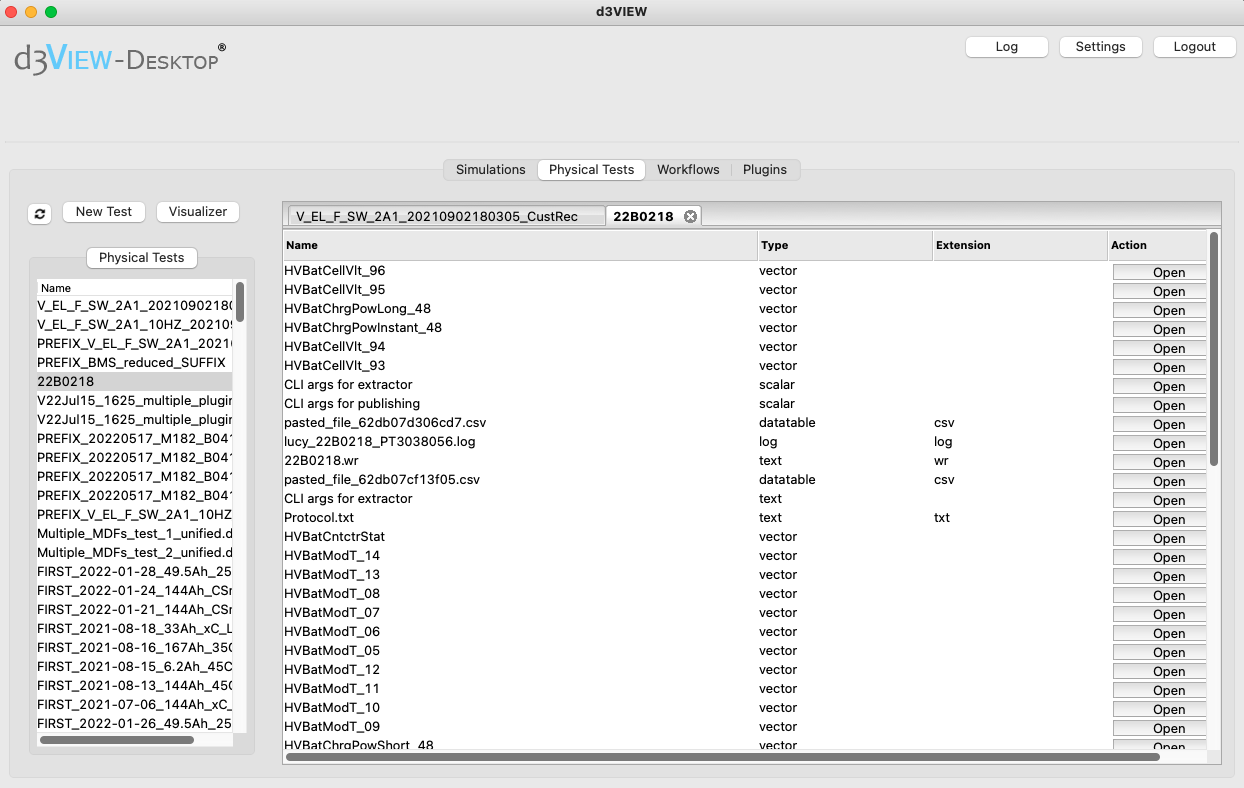
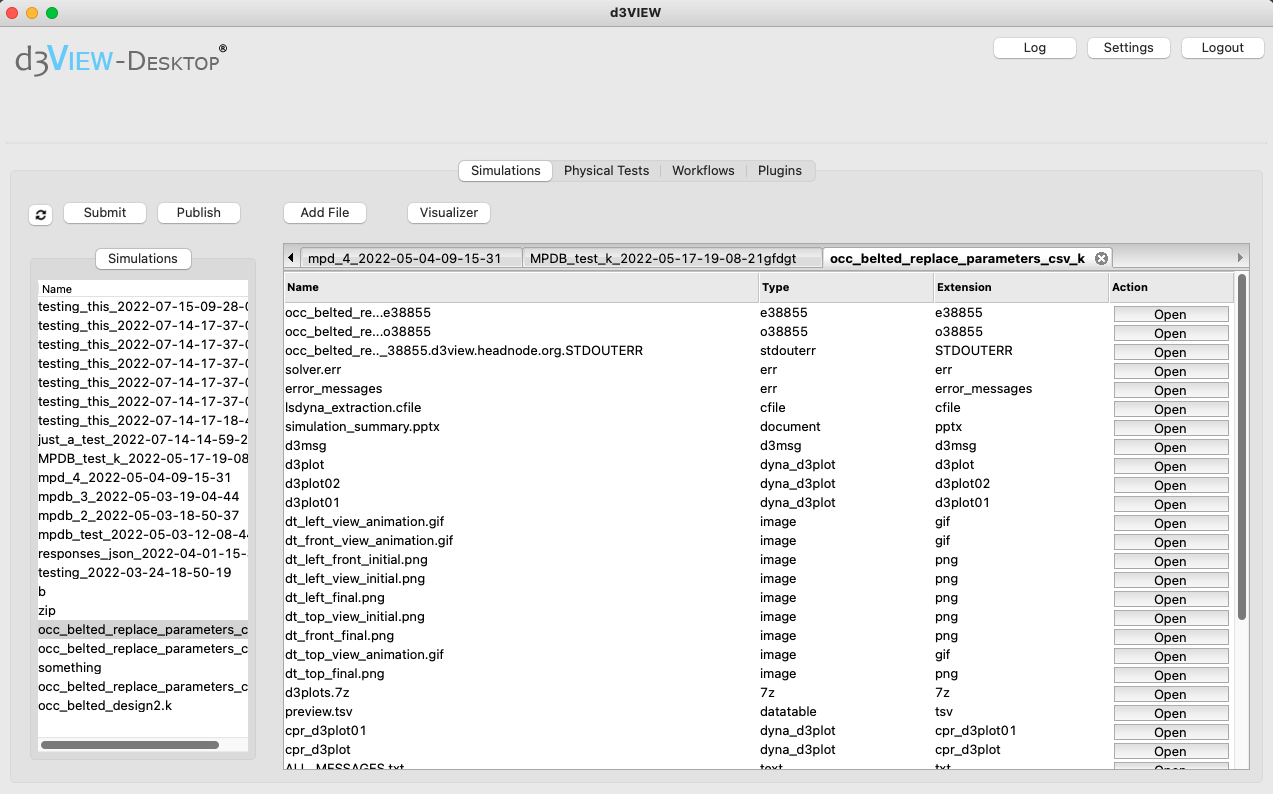
Submit simulations and upload experimental data.
Plugin options
Utilize specialized plugins such as one for HVAC to aid in your data processing.
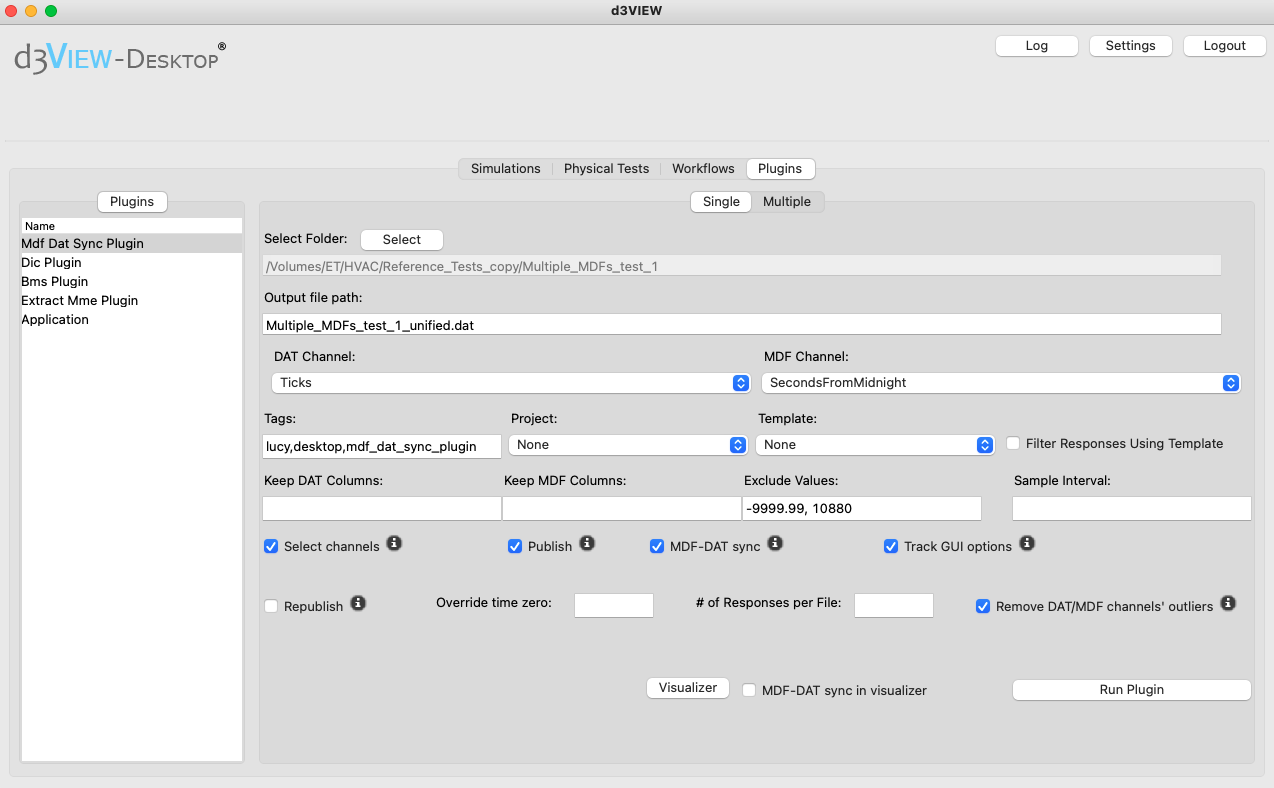
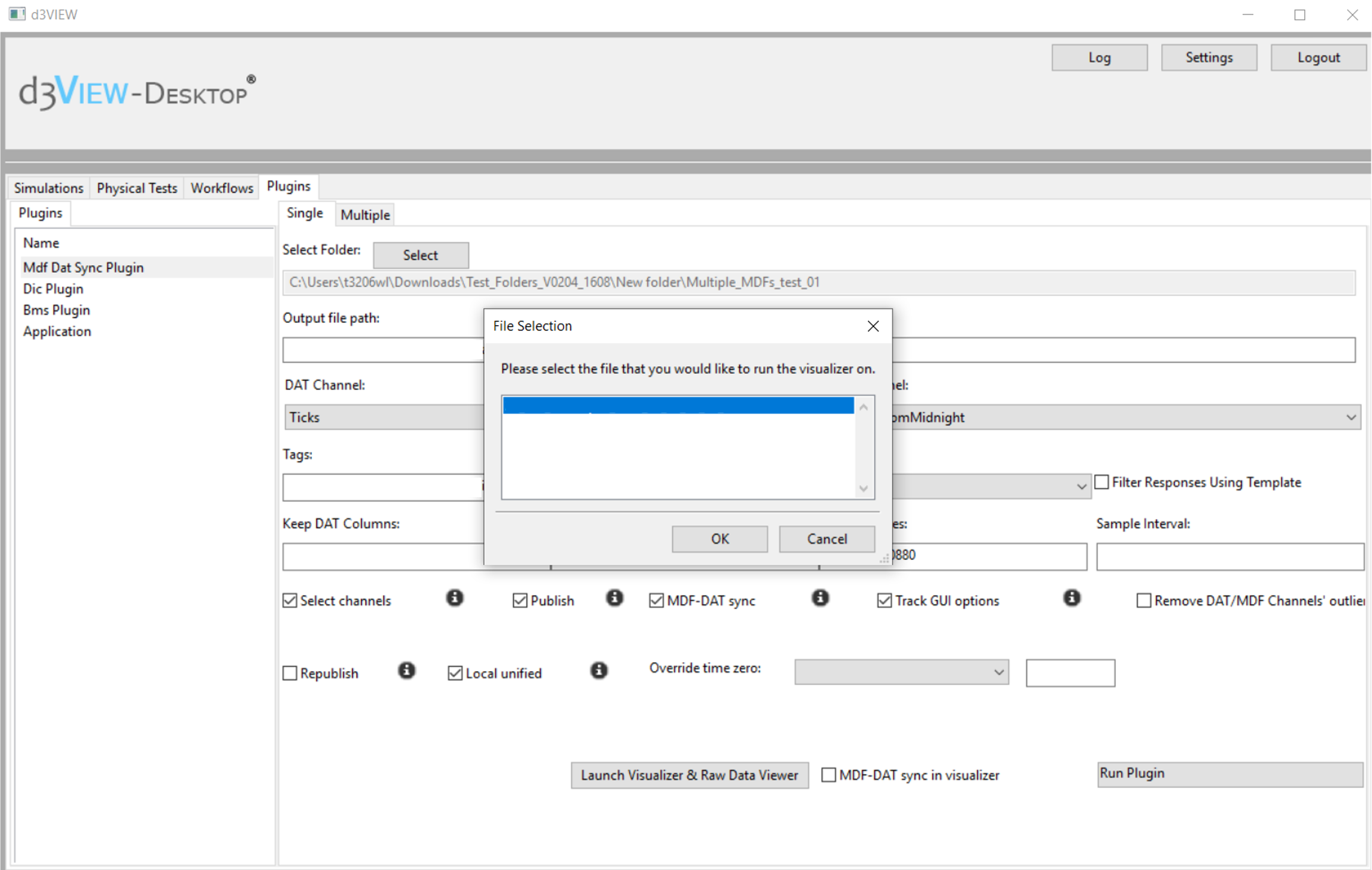
Sync physical test data so channels from MDF files are aligned with channels from DAT files for smooth publishing.
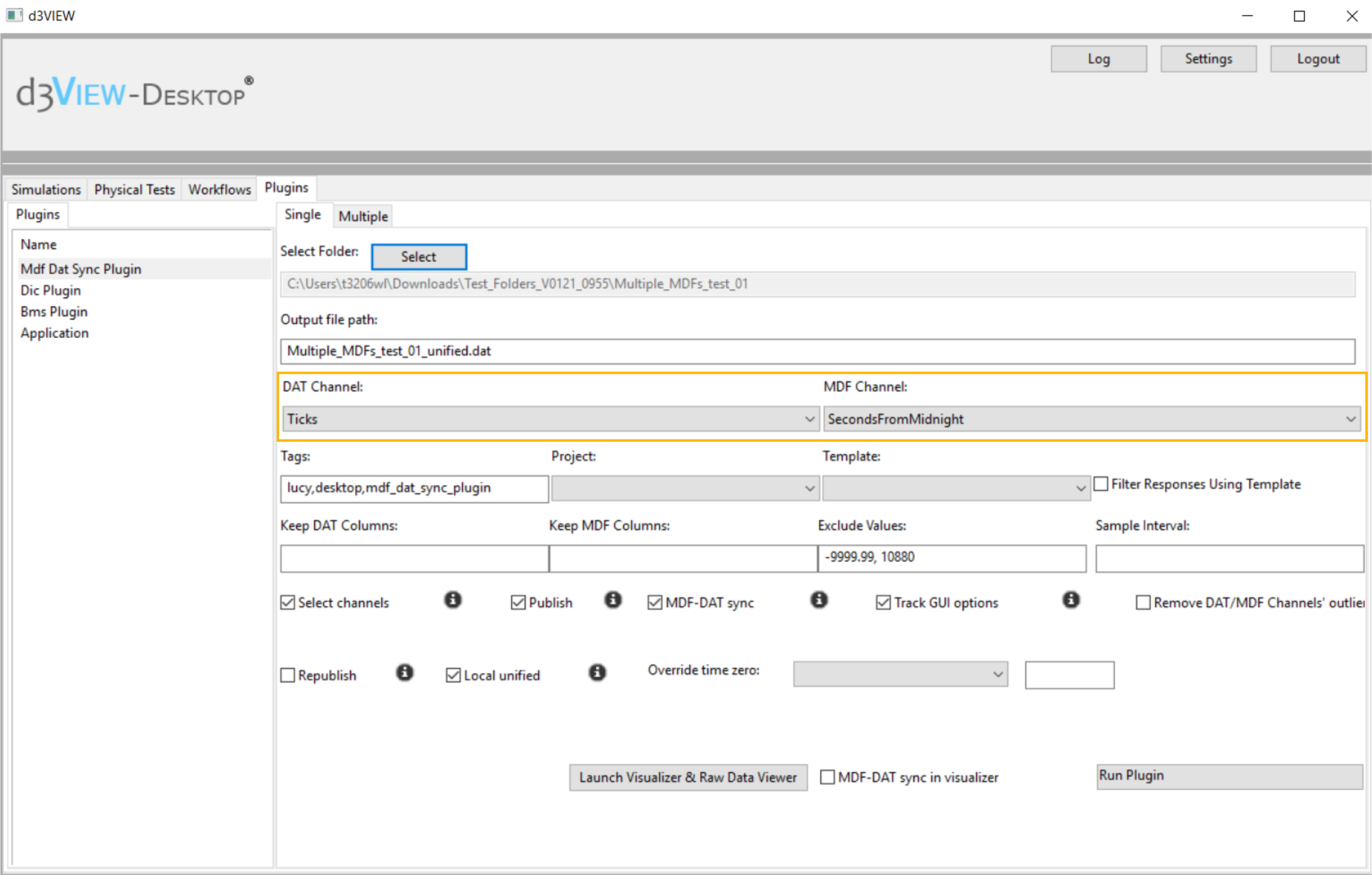
Tags, Projects and Templates
Add important tags, save to a particular project, and apply an extraction template directly while publishing.
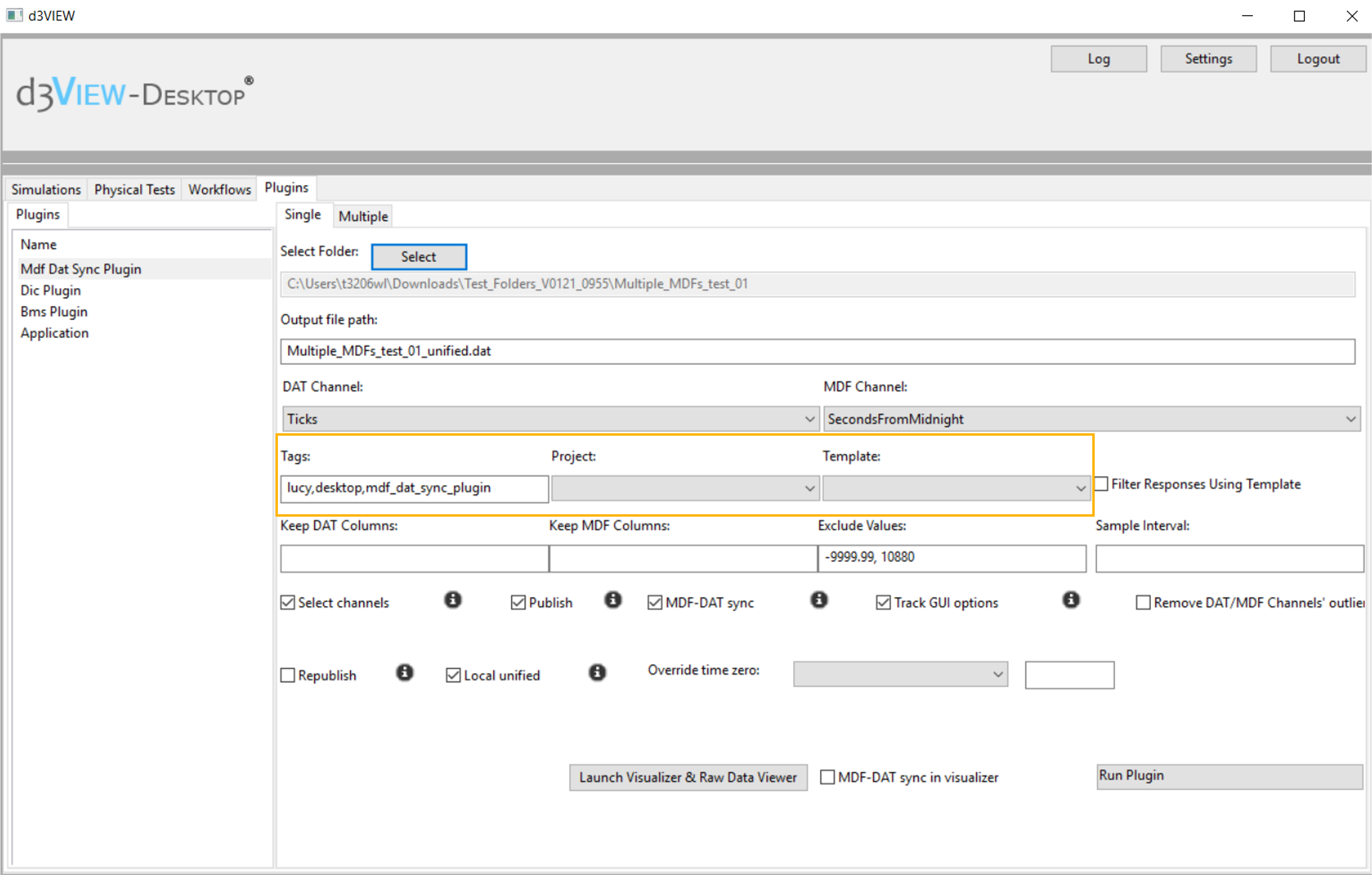
Quick View Options
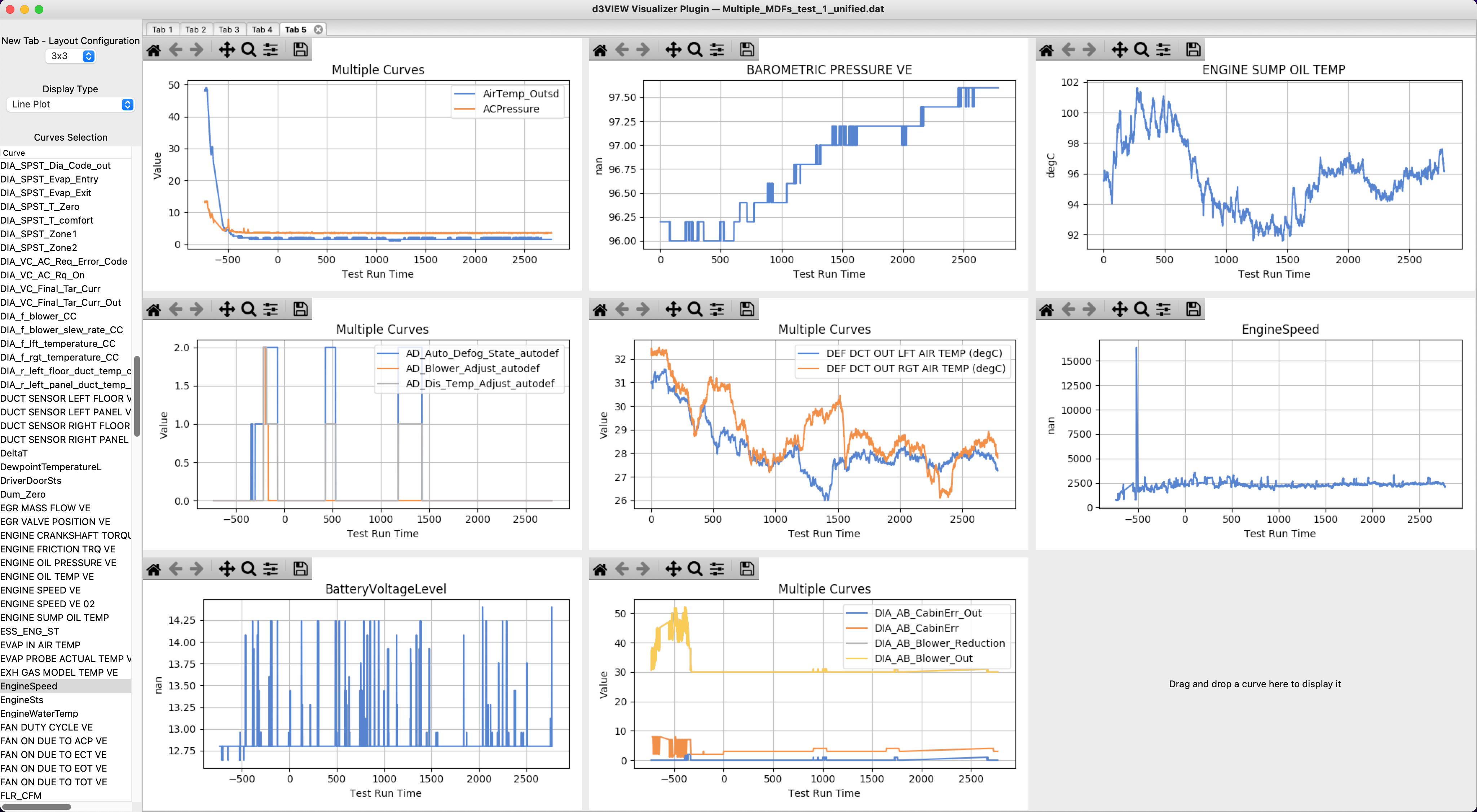
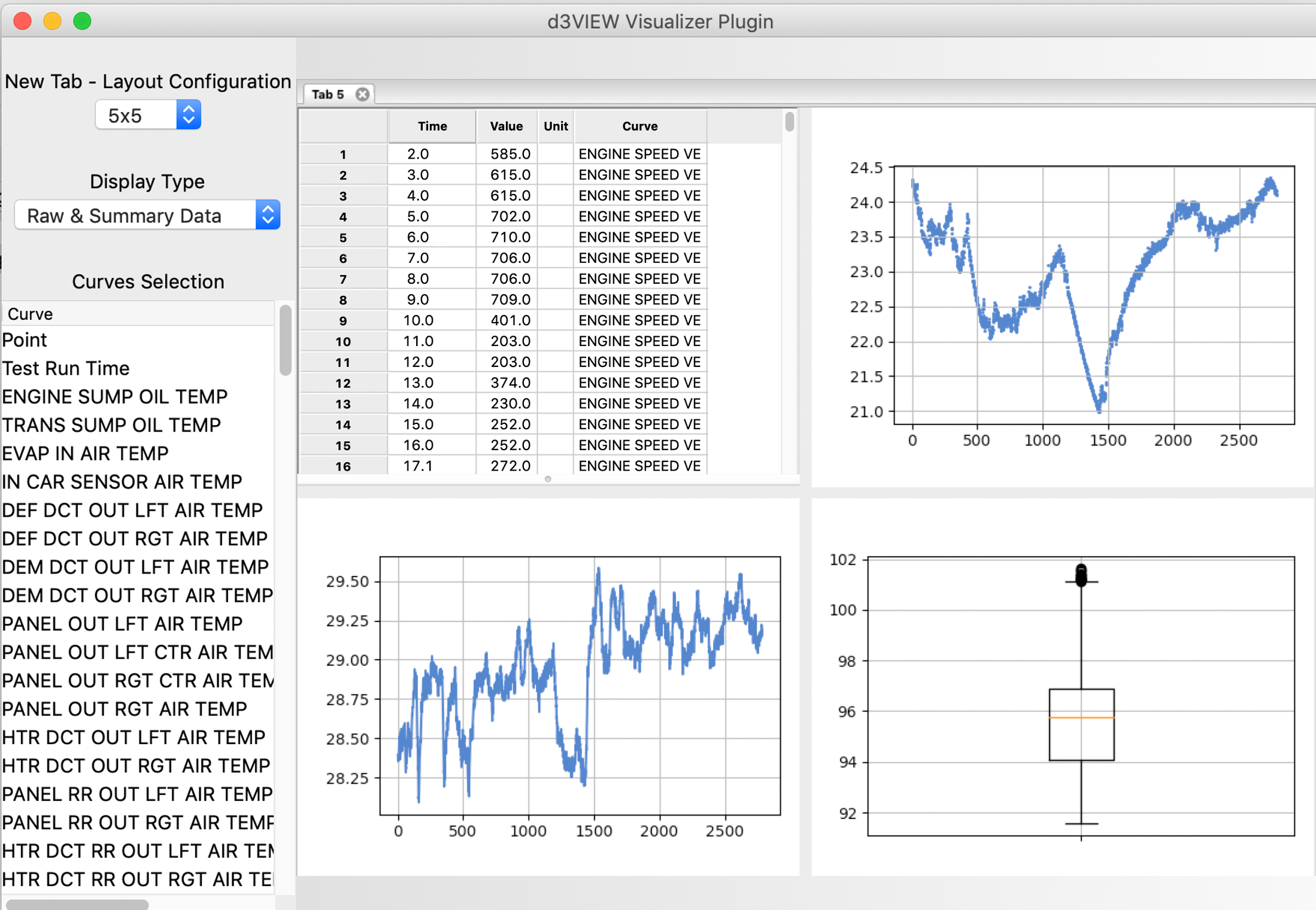
Preview layouts, display types, channels, and canvas before publishing to d3VIEW.
Visualizer and Raw Data Viewer
Choose files to launch via the built-in visualizer and raw data viewer.
Installation and Configuration
The original Desktop page captured the following requirements:
- Python 2 environment
LUCY_e_master_***.INSTALLfileLucy.jsonLucy.yaml- Working knowledge of a terminal
It also listed common packages required for certain Desktop features:
matplotlib2.2.3kiwisolver1.0.1pyyaml3.13future0.18.2privy6.0.0 andnumpy1.15.4pandas0.24.2
These are captured requirements from the original Desktop page, not a current installation recommendation.
See d3VIEW Desktop in action
Use the local application to work with simulations, physical tests, workflows, plugins, and the visualizer.
Request a Demo to Learn More
Talk with d3VIEW about running applications locally with d3VIEW Desktop.
Contact d3VIEW