Calibrate Materials, Connections and Spotwelds Faster
Introducing Workflows for Material Calibration
From test data to calibrated results
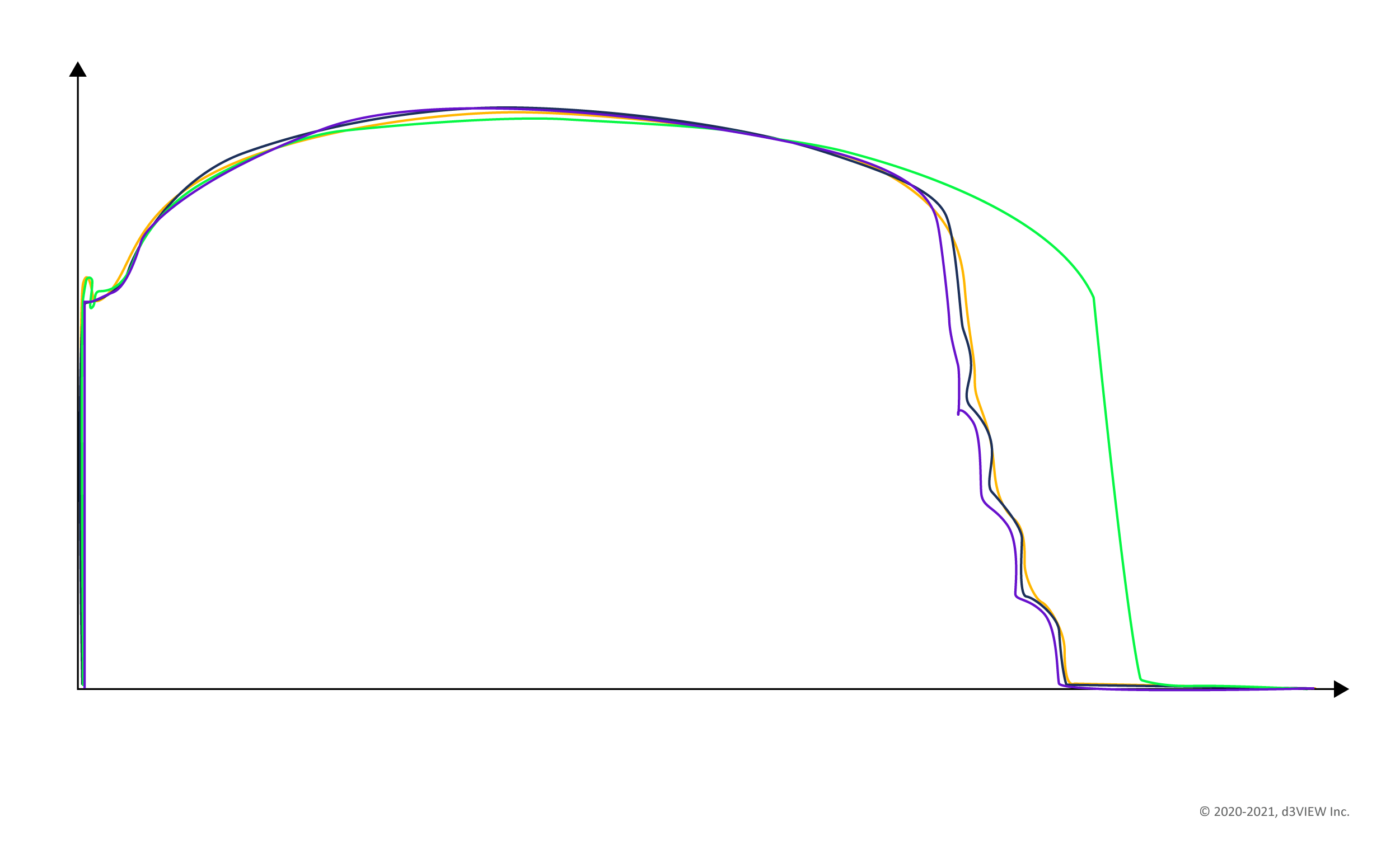
Material calibration brings test-data preparation, transformations, specimens, simulations, and comparison into one connected workflow.
Import Test Data
Data import and processing from Labs are the most time-consuming and error-prone activity for any material science or simulation engineer.
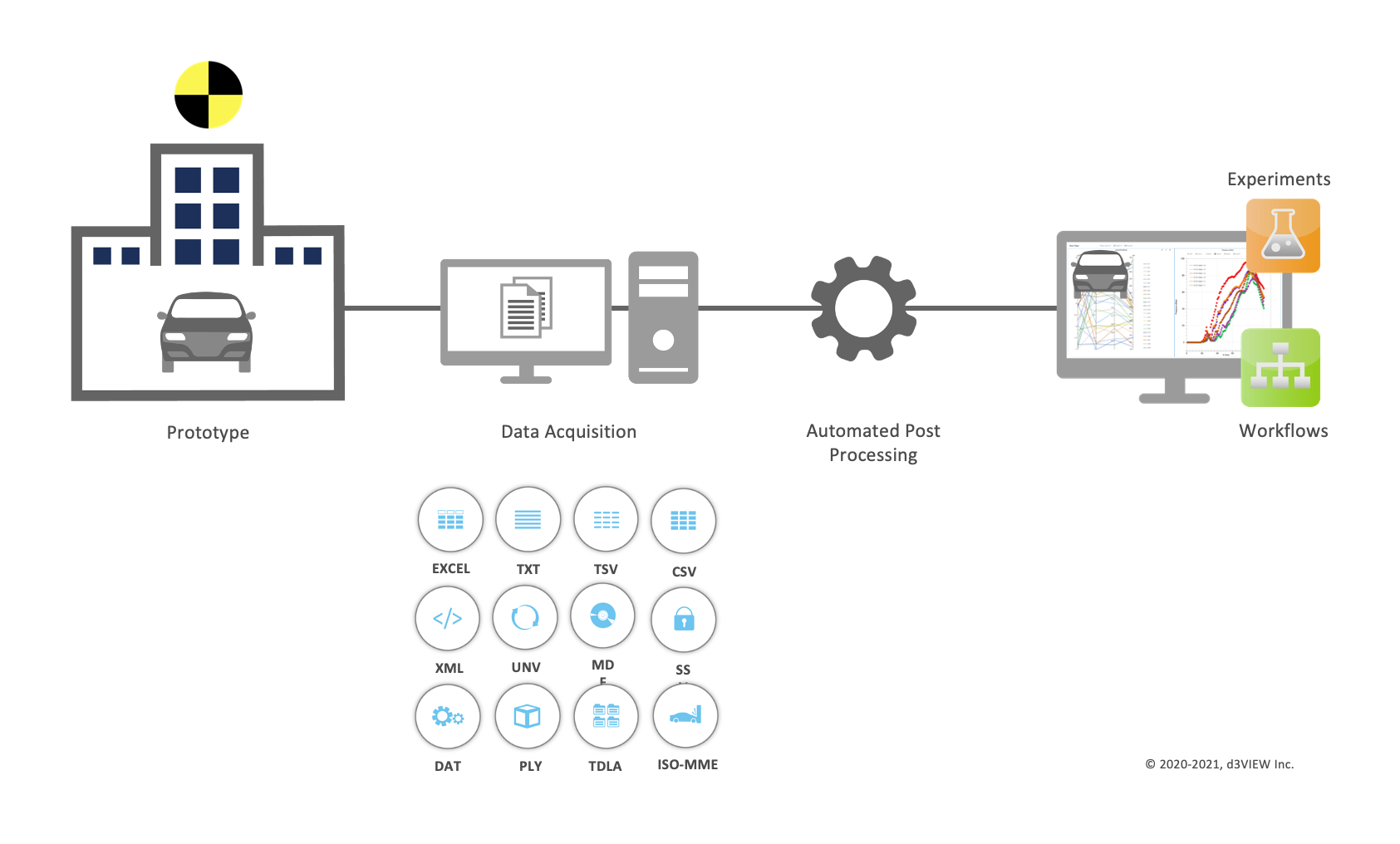
With Physical Test application, you can import test-data (curves and images) from Excel, CSV/TSV or any Text Format.
Import multiple tests from a single ZIP file from well-known Labs that include OSU, Waterloo, DataPoint Labs.
- Excel, CSV/TSV, or any Text Format
- Multiple tests in a single ZIP file
- Custom rules for repeatable data import
Define custom rules and re-use them to automate the data import.
Clean, Sanitize and Transform Data Using 1000s of Available Functions
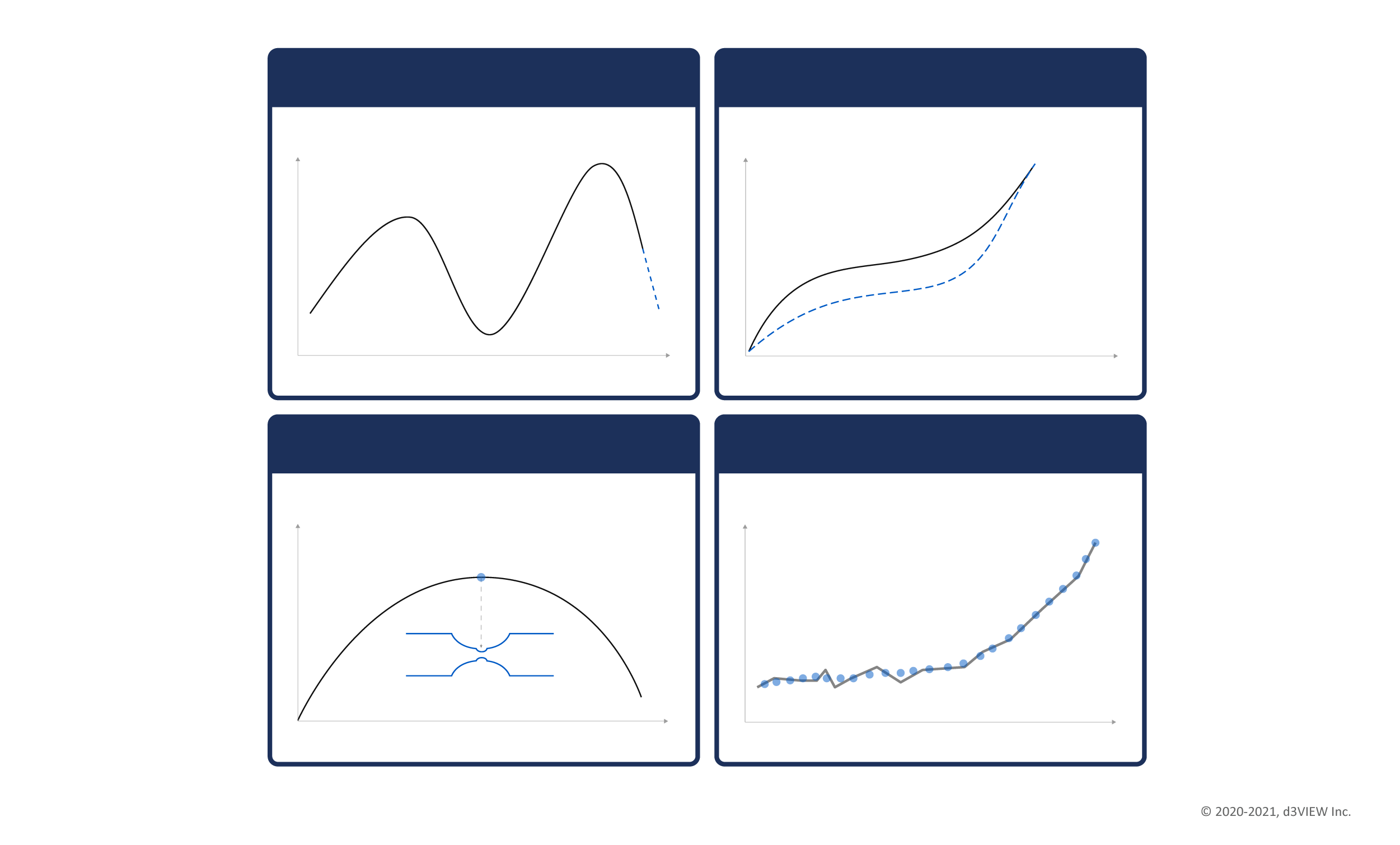
With hundreds of material specific curve transformations, you can sanitize and transform data with no scripting.
Our no-code philosophy has resulted in data-transformations that finish faster and reliably to accelerate the generation of data for simulations.
Rich Specimen Library
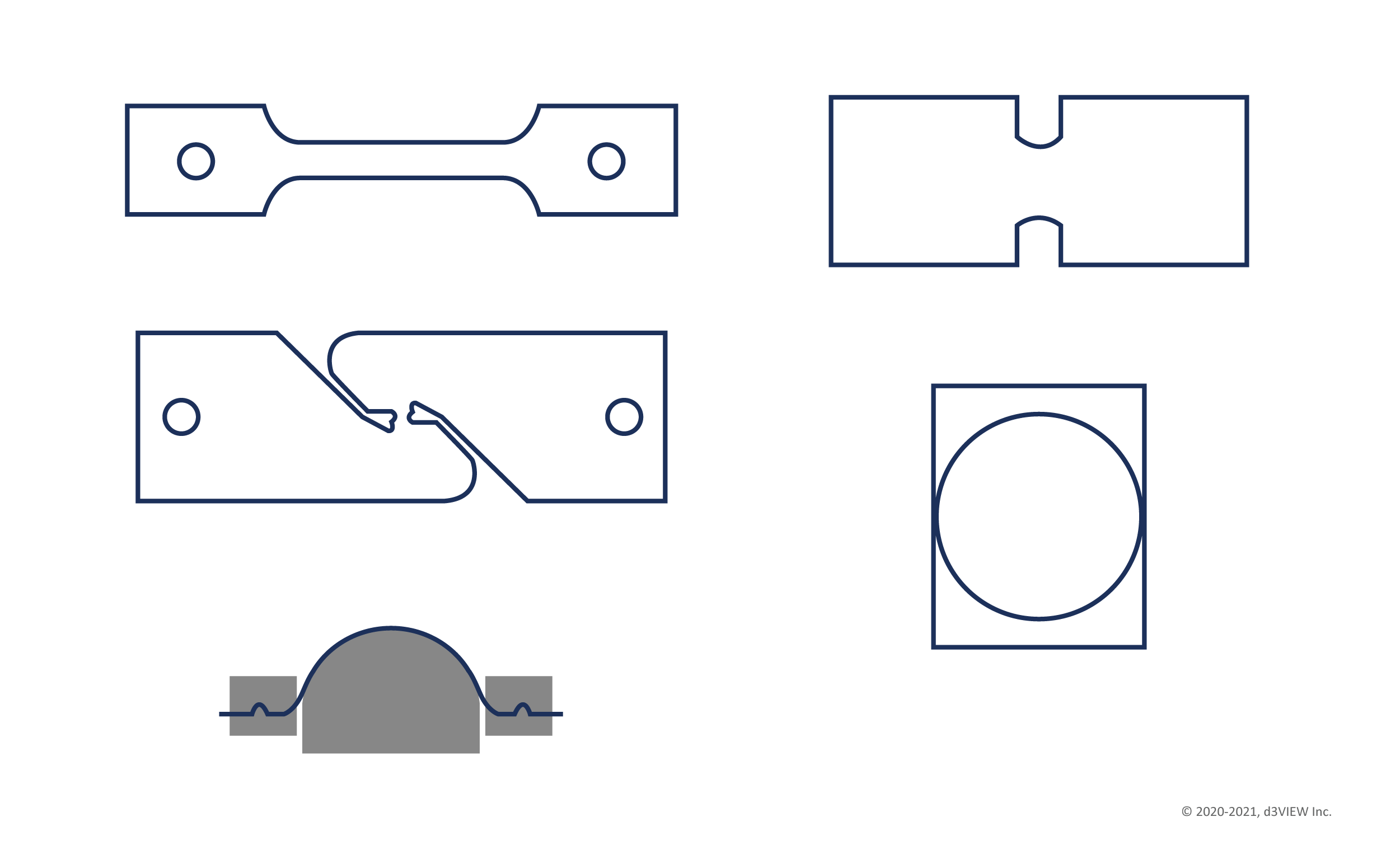
Run simulations quickly with zero-model-build-time by using built and ready-to-use specimens from our long and growing list.
Use specimens of different mesh-lengths, sizes and standards with built-in instrumentation for force, displacement and any time-history data. The specimens are linked to the measured data to adjust scaling.
You can also view the specimens within the browser using our Peacock-3D application.
Model and parameter optimization
Prepared test data and ready-to-use specimens support the calibration loop before simulation results are compared with tests.
Run Simulations Anywhere
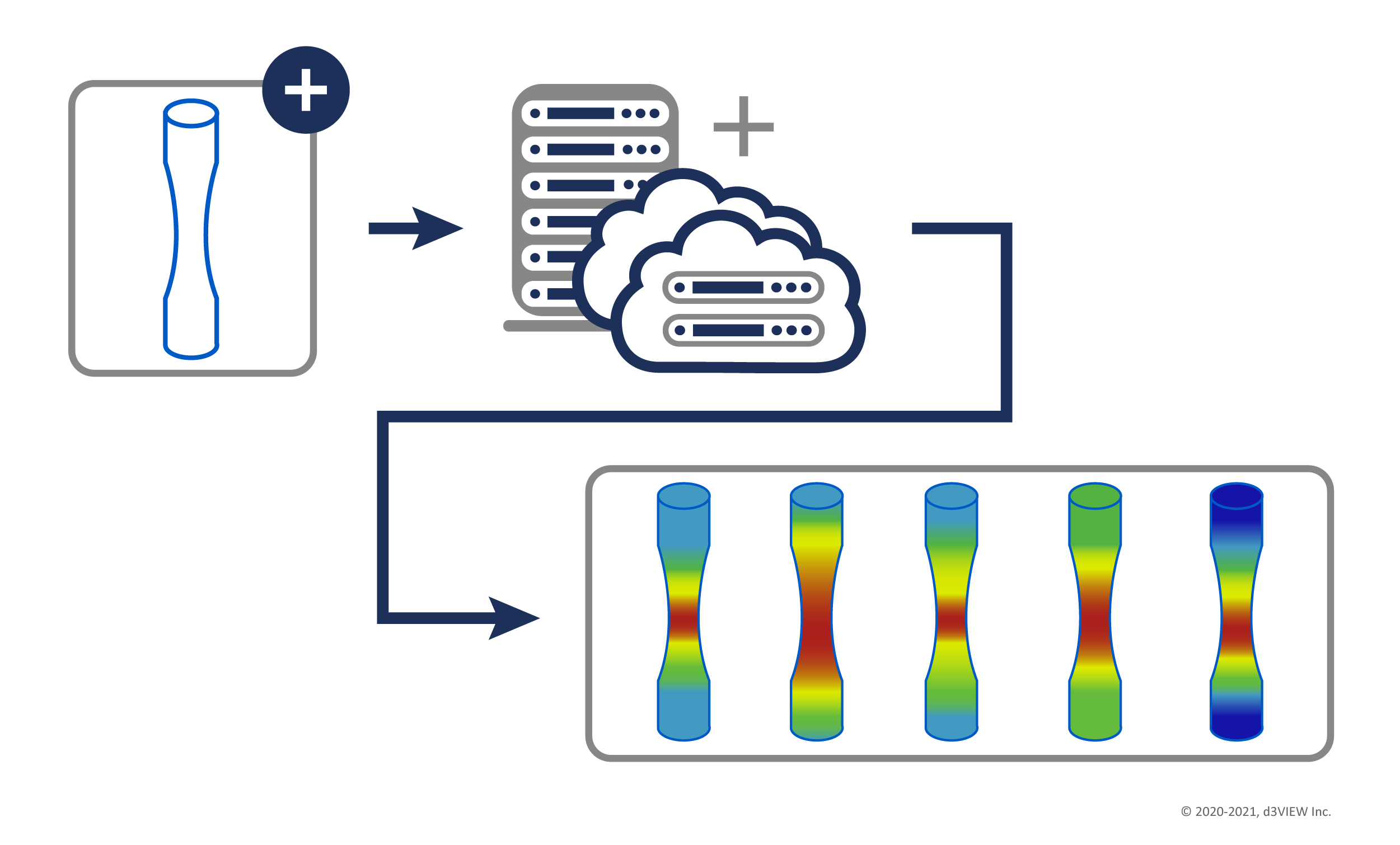
With d3VIEW's HPC app, run your simulations on-premise or in the cloud with minimal configuration.
Perform single or several in parallel and track them as the solution is progressing.
Automate Data-Extraction from Simulations and Compare with Tests
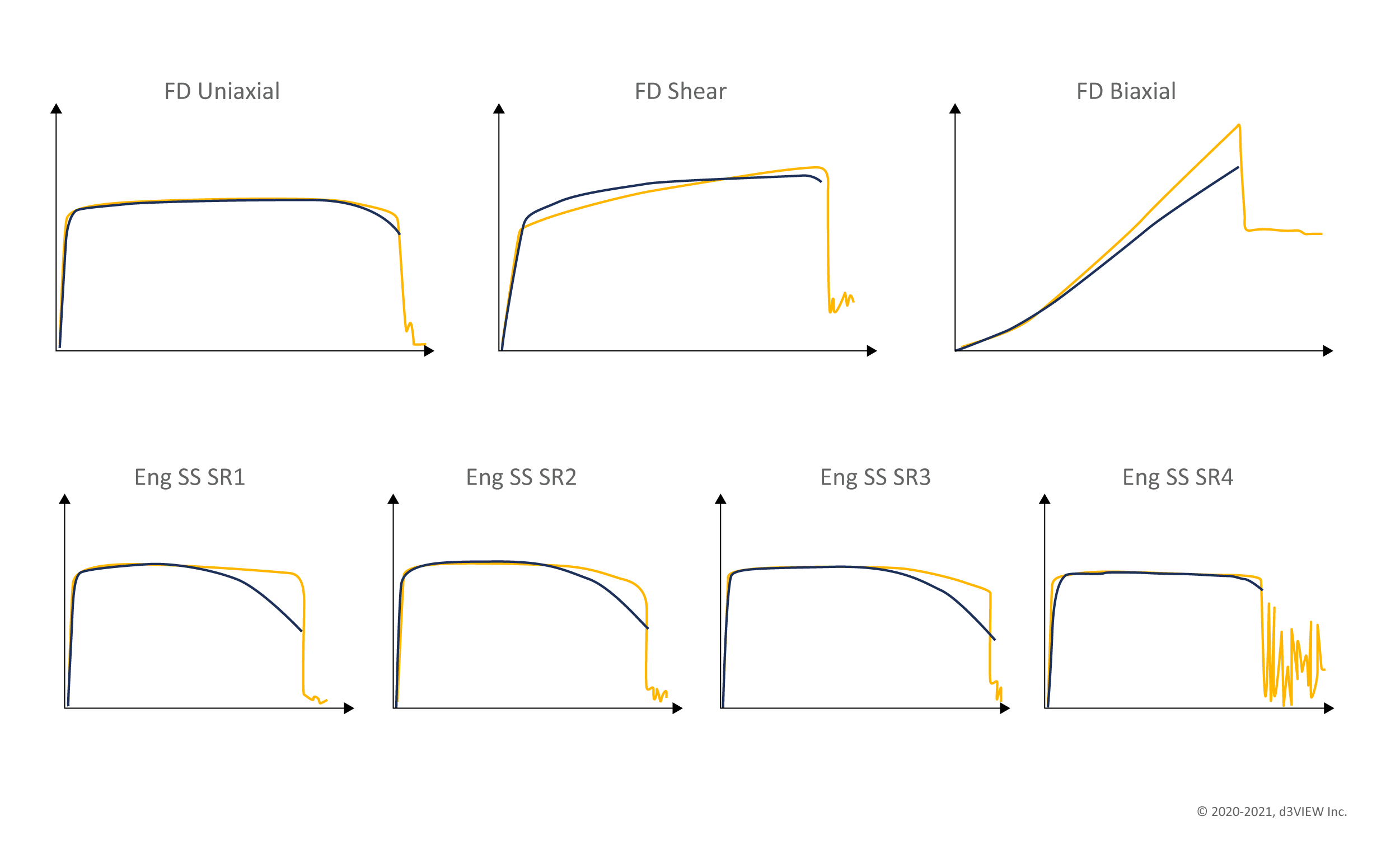
With the Templates app, you can extract any data (time-history, image, movies) from simulations and compare them with tests to validate the results.
Full-field DIC Calibration
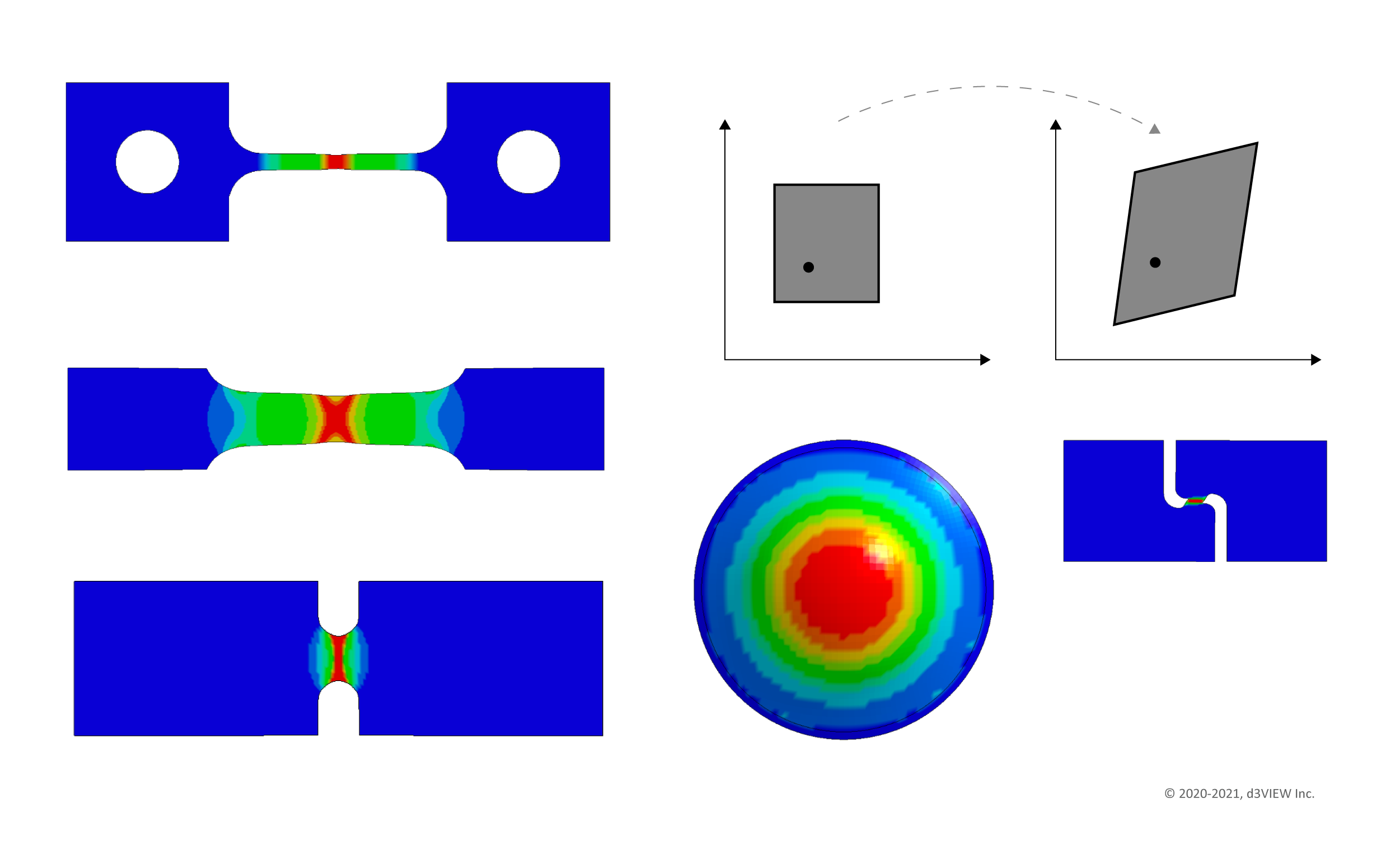
With zero-human-interaction, simulations can be compared with DIC full-field using d3VIEW's patent-pending technology.
Reporting and Analytics
Generate standard calibration reports and analyze the data using Simlytiks app.
Store Calibrated Data, Share and Collaborate Globally
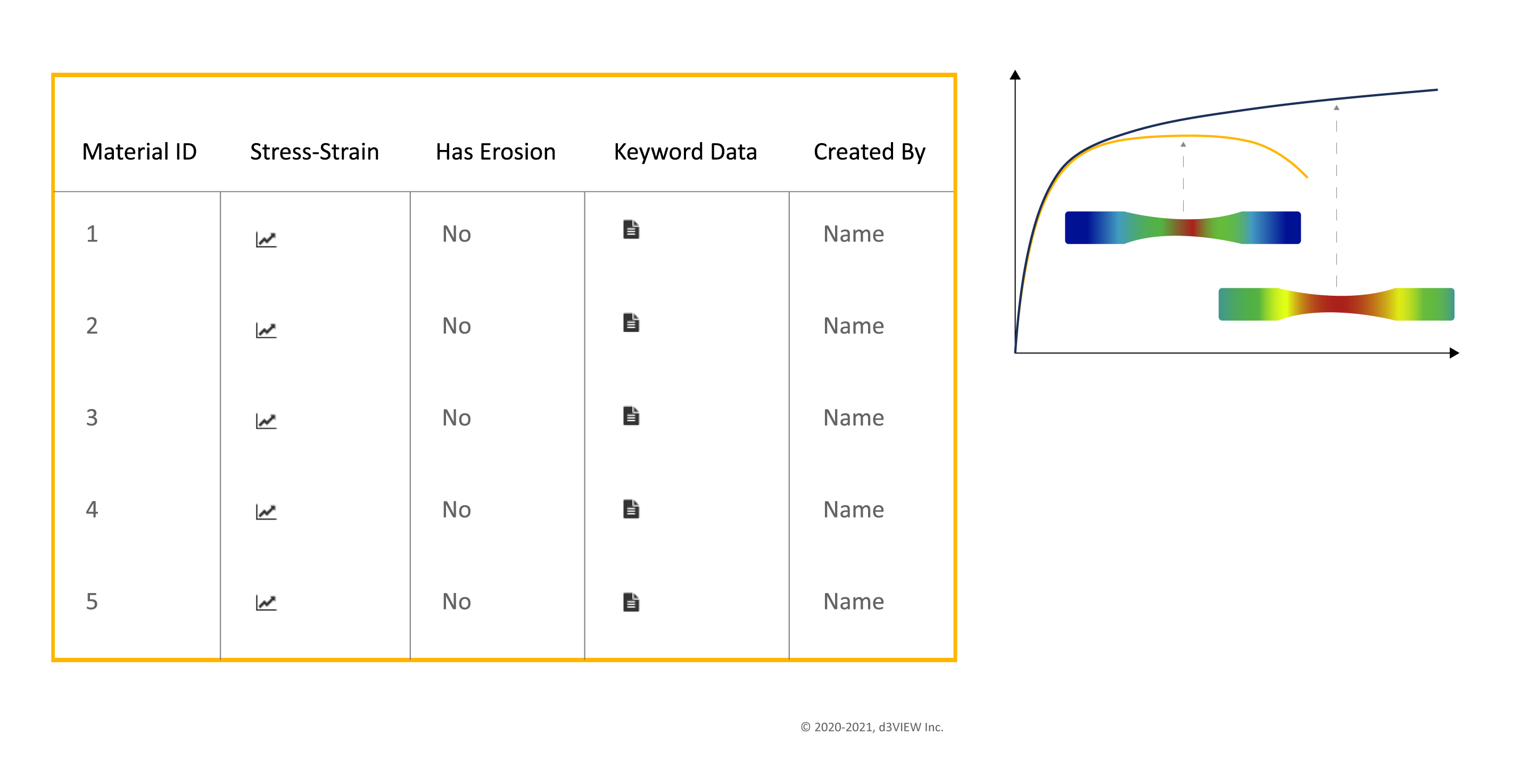
Using the Database app, you can store the calibrated data to create a repository of materials to compare and analyze.
Contact Us to Learn More About Our Material Calibration Solutions.
See how the material calibration workflow can support your test and simulation process.
Request a demo