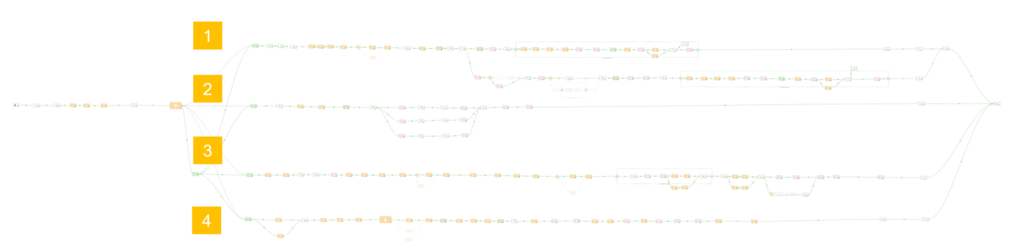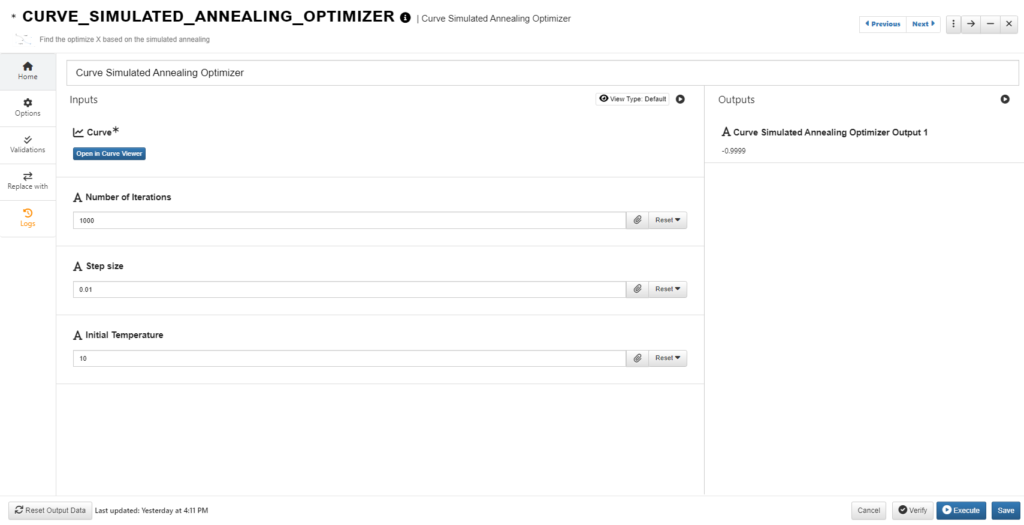
d3VIEW has a new worker called ‘Workflow Provider’ which allows us to execute other workflows we may have saved on the platform within the current one we are building and executing. This saves us time from rebuilding parts of a workflow that can be taken from an already built one.

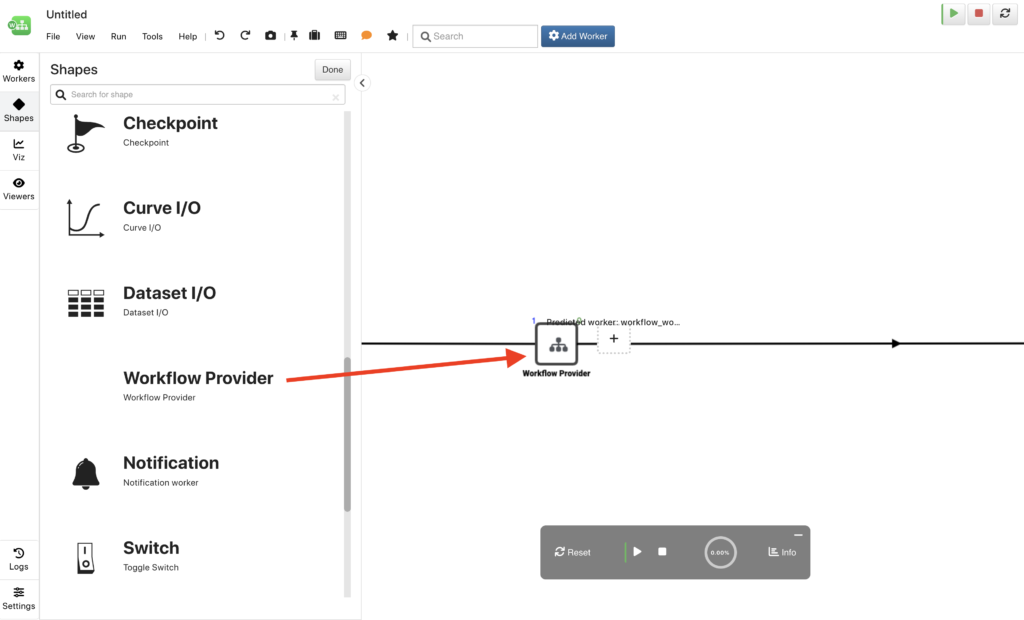
Find the ‘Workflow Provider’ worker under the shapes menu, which houses the generic and most used workers for a workflow.
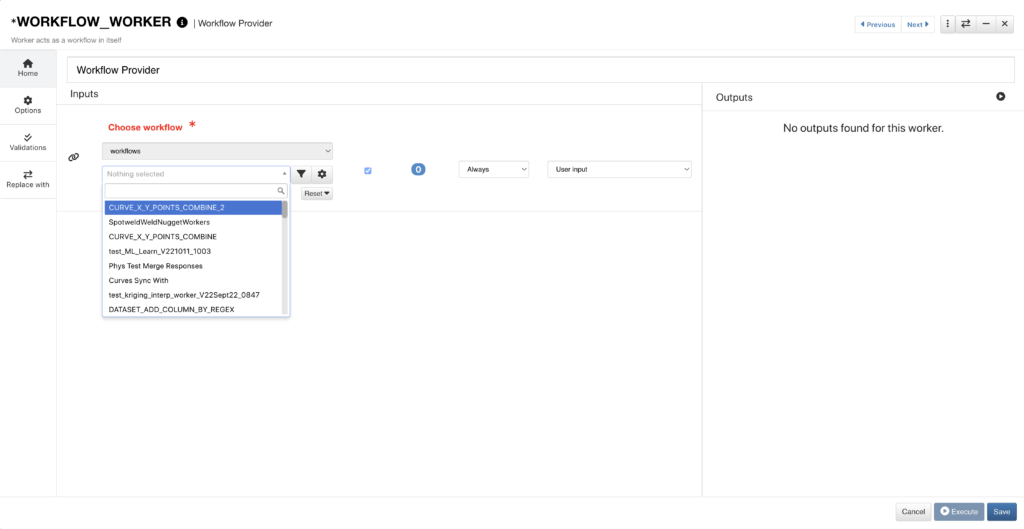
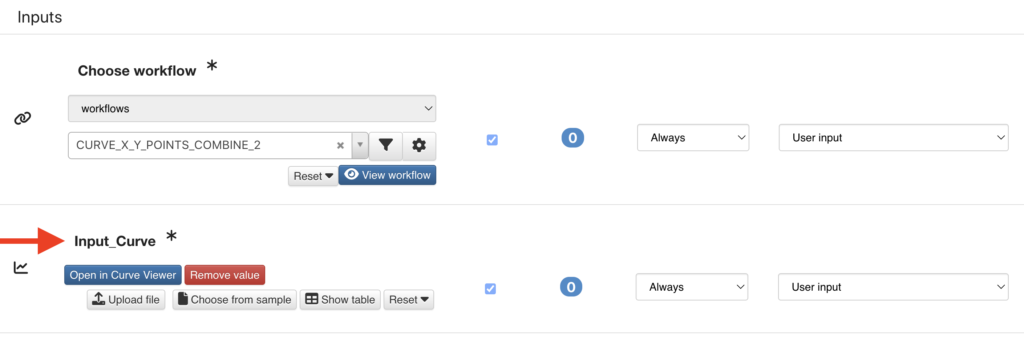
Worker set-up is straightforward as we simply choose from all our saved workflows in the drop-down.
The START worker inputs from the chosen workflow will then populate into the ‘Workflow Provider’. For example, this workflow has a curve input in its START worker which we now see added under ‘Choose Workflow’.
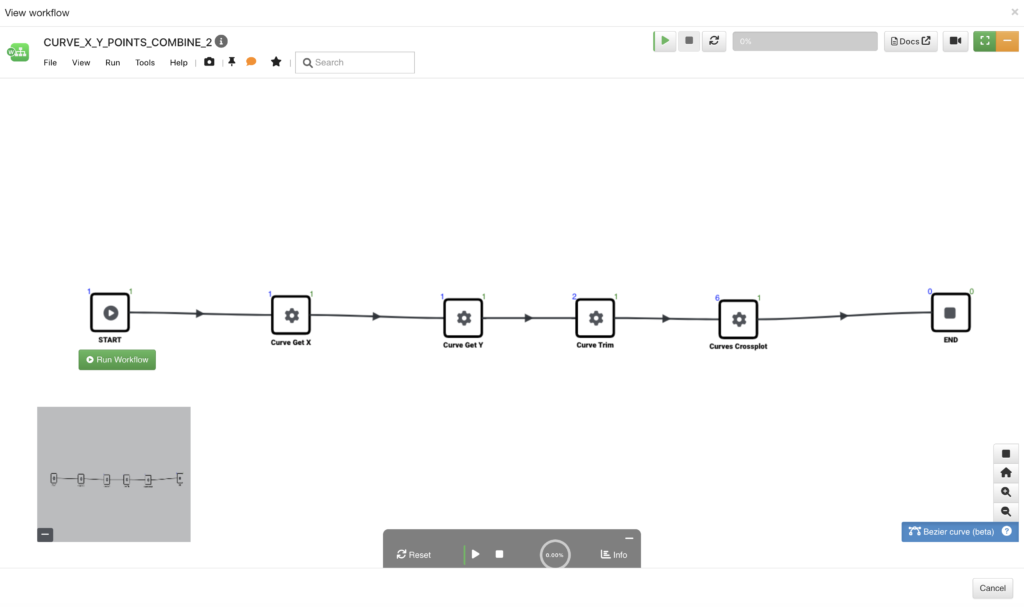
We can click to view the chosen workflow and make any necessary changes to its configurations.
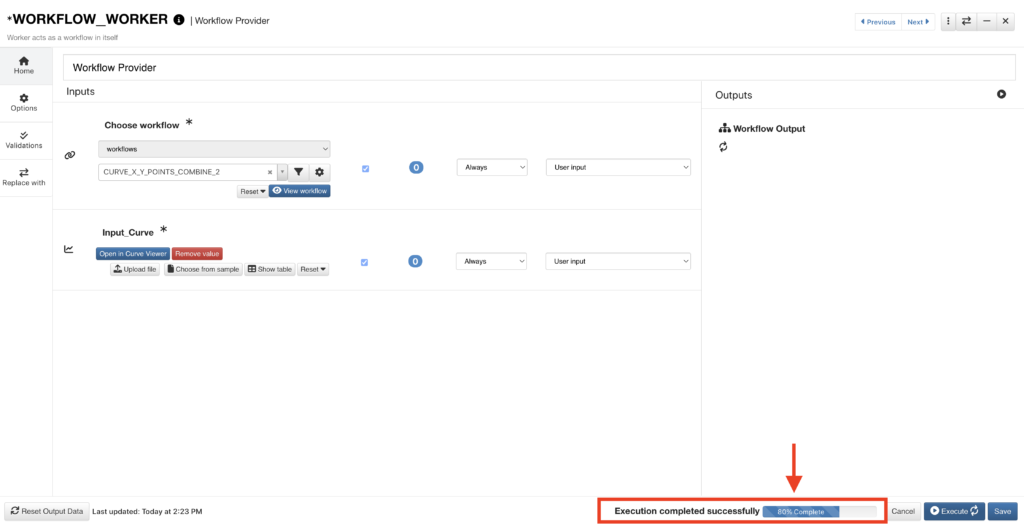
If we click to execute the ‘Workflow Provider’ worker in its configuration window, we’ll get a status bar at the bottom indicating the execution progress.
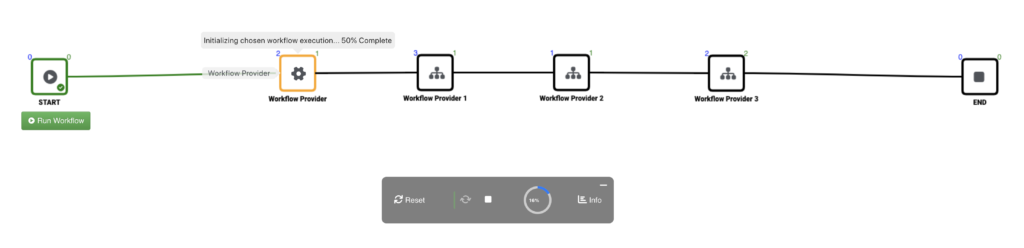
‘Workflow Provider’ gives us an opportunity to save even more time by eliminating the need to rebuild workflows. We can even use this feature to string workflows together and execute them consecutively.
To learn more about the Workflows application, check out this page.