PEDPRO_TARGET_GENERATOR
PEDPRO_TARGET_GENERATOR Generates Placement Files
Overview
The PEDPRO_TARGET_GENERATOR worker has been enhanced to generate Placement Files when the Generate Placement Files option is enabled.
The generated output includes a downloadable ZIP archive containing one .incl file for each generated target across all selected pedestrian impactors, simplifying integration with LS-DYNA workflows and target placement processes.
Key Features
- Added Generate Placement Files option
- Generates placement files for all selected pedestrian impactors
- Produces one
.inclfile for each generated target - Packages all placement files into a downloadable ZIP archive
- Simplifies downstream simulation setup and target placement workflows

PEDPRO_TARGET_GENERATOR Supports Multiple Impactors in a Single Run
Overview
The PEDPRO_TARGET_GENERATOR worker has been enhanced to compute targets for multiple selected impactors in a single Peacock run.
Previously, users needed to execute separate runs for each pedestrian impactor. With this enhancement, the worker processes all selected impactors together, reducing execution time and streamlining pedestrian target generation workflows.
Key Features
- Supports target generation for multiple selected impactors in a single run
- Eliminates the need for separate Peacock executions for each impactor
- Generates targets for all selected impactors simultaneously
- Reduces overall target generation time
- Improves workflow efficiency and automation

PEDPRO_TARGET_GENERATOR Updated to Use New Peacock Task Names
Overview
The PEDPRO_TARGET_GENERATOR worker has been updated to use the latest Peacock task names for target generation.
This enhancement aligns the worker with the current Peacock task naming conventions, ensuring compatibility with updated Peacock workflows while maintaining a seamless target generation experience.
Key Features
- Updated the worker to use the latest Peacock task names
- Aligns target generation with current Peacock workflows
- Improves compatibility with updated Peacock releases
- Maintains a seamless target generation process
- Requires no changes to existing workflow usage

PEDPRO_TARGET_GENERATOR Supports Peacock JS3D Output
Overview
The PEDPRO_TARGET_GENERATOR worker has been enhanced with an option to generate a Peacock JS3D file alongside the target generation results.
When the Include Peacock JS3D option is enabled, the worker produces a JS3D representation of the processed model, allowing users to immediately visualize the generated pedestrian protection targets in Peacock without requiring additional conversion steps.
Key Features
- Added Include Peacock JS3D option
- Generates a Peacock JS3D output alongside target generation results
- Enables direct visualization of generated targets in Peacock
- Produces both target data and a visualization-ready model in a single execution
- Simplifies downstream review and validation workflows

Enhanced Failure Reporting in PEDPRO_TARGET_GENERATOR
Overview
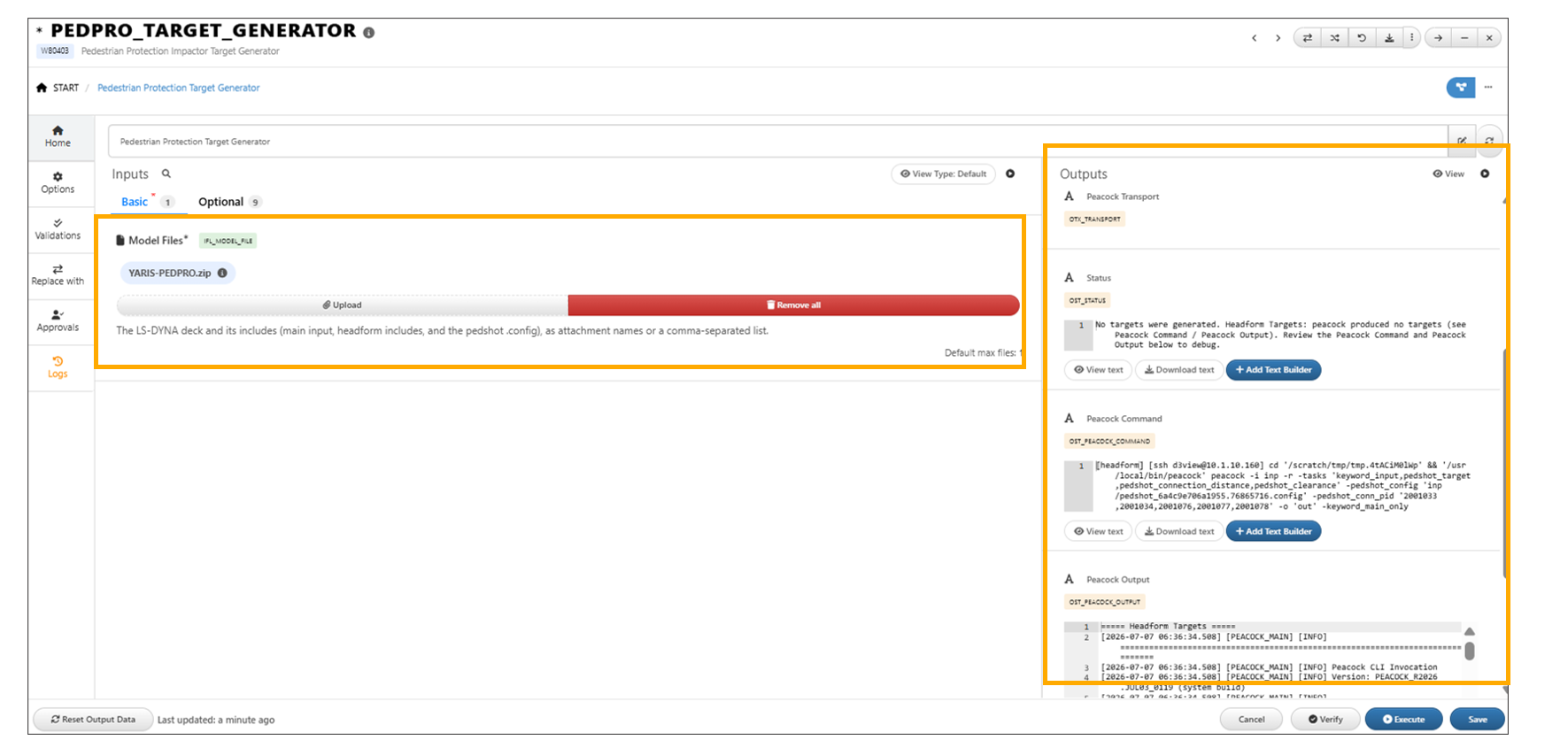
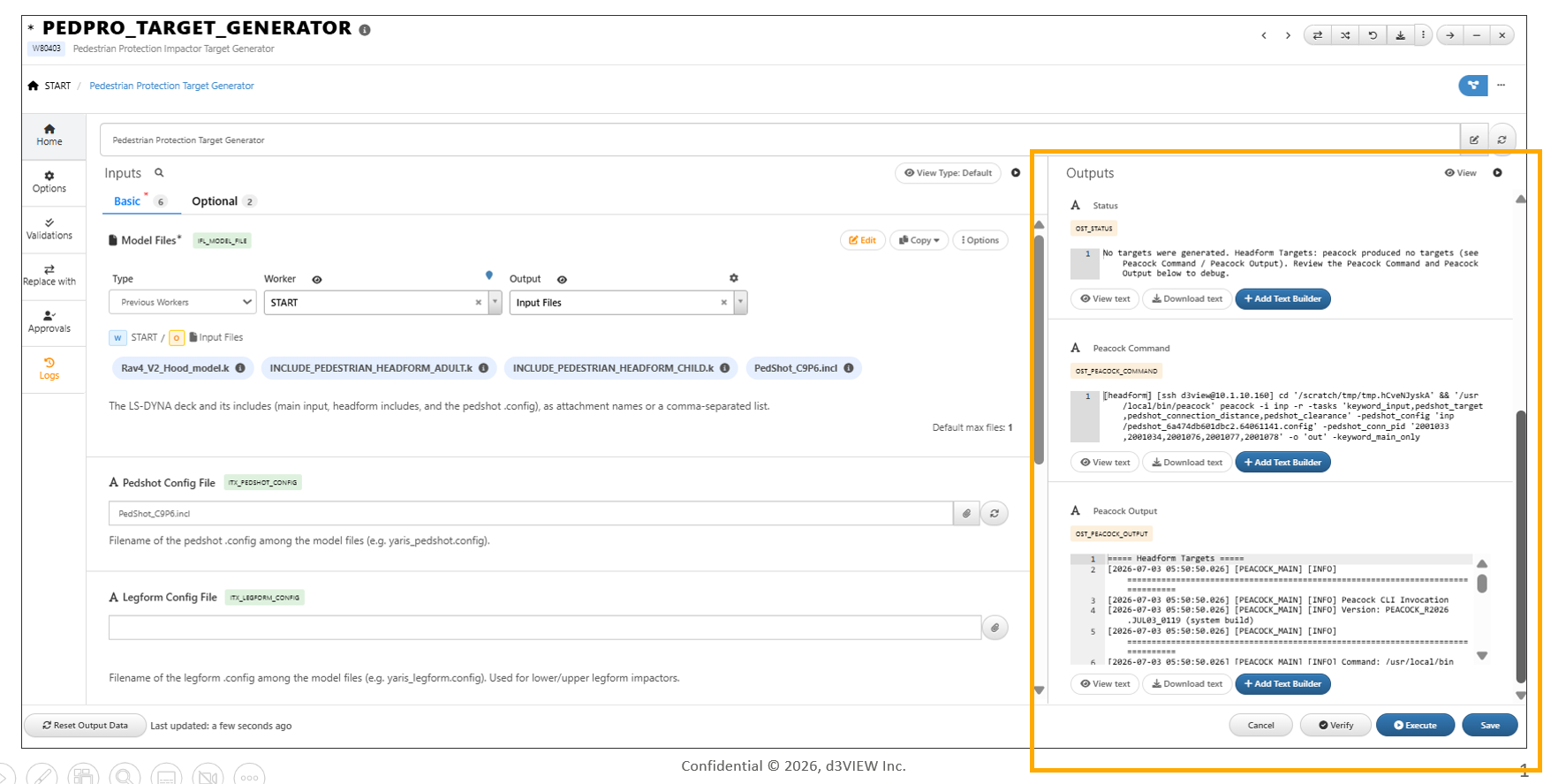
The PEDPRO_TARGET_GENERATOR worker now provides enhanced failure reporting by displaying the exact Peacock Command and Peacock Output, even when target generation is unsuccessful.
Additionally, if the model’s configuration part IDs do not match, the worker returns an empty targets dataset along with a clear Status message explaining the reason for the failure.
Key Features
- Displays the exact Peacock Command for every execution, including failed runs
- Displays the corresponding Peacock Output when target generation fails
- Detects configuration part ID mismatches in the model
- Returns an empty targets dataset when generation cannot be completed
- Provides a clear Status message describing the failure
PEDPRO_TARGET_GENERATOR Enhanced with Archive Support and Execution Timeline Logging
Overview
The PEDPRO_TARGET_GENERATOR worker now supports model inputs packaged as ZIP, TAR, and 7Z archives. The worker also provides a detailed Run Timeline Log, making it easier to monitor execution progress and review each processing step.
This enhancement simplifies processing of archived model files while improving visibility into the target generation workflow through comprehensive execution logging.
Key Features
- Added support for ZIP, TAR, and 7Z archived model inputs
- Automatically extracts and processes supported archive formats
- Introduced a detailed Run Timeline Log
- Displays the status of each processing step during execution
- Improves troubleshooting by providing complete execution progress information