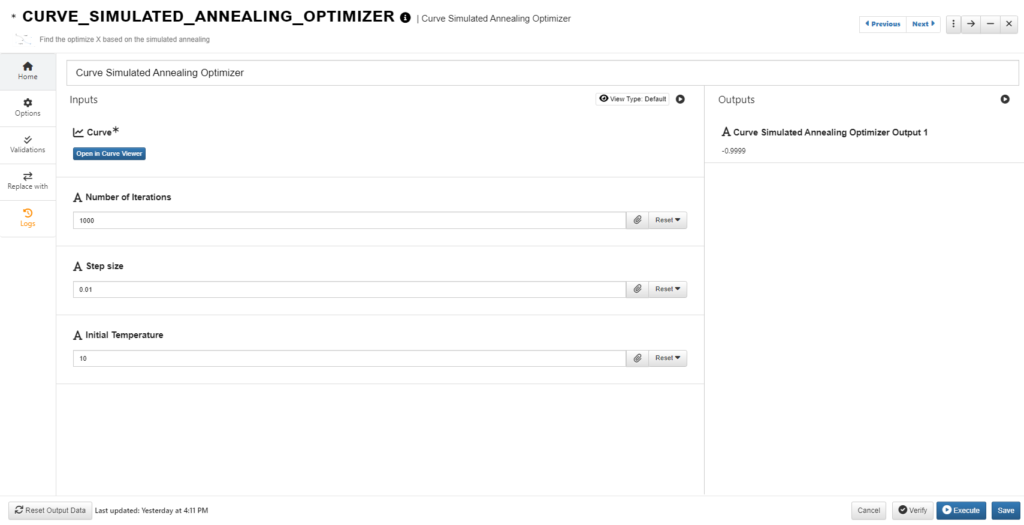
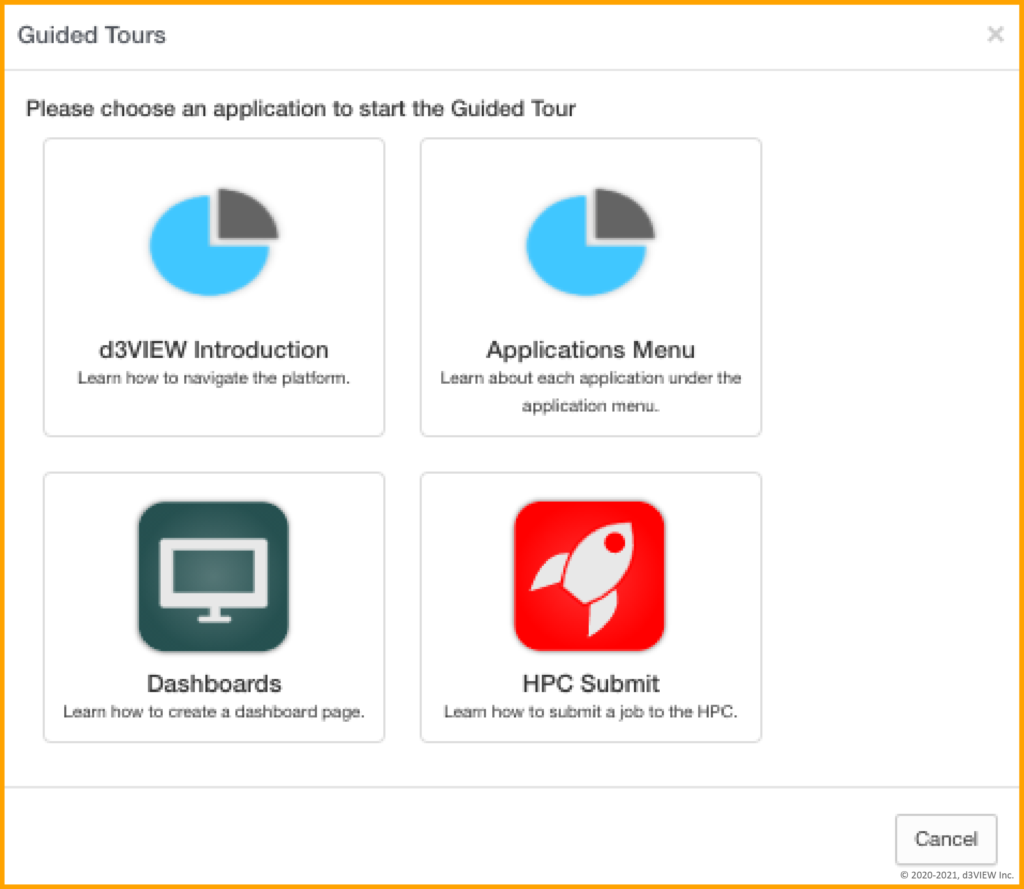
d3VIEW has just upgraded their platform tours, simulating basic processes so new and current users can learn how to navigate the platform better. Tours have been created for the d3VIEW basics and the most important applications.

Each tour points out the important elements on the page and guides you through important interactions for working with your data. No need to worry about clicking the right buttons while taking the tour as it simulates clicks for you.
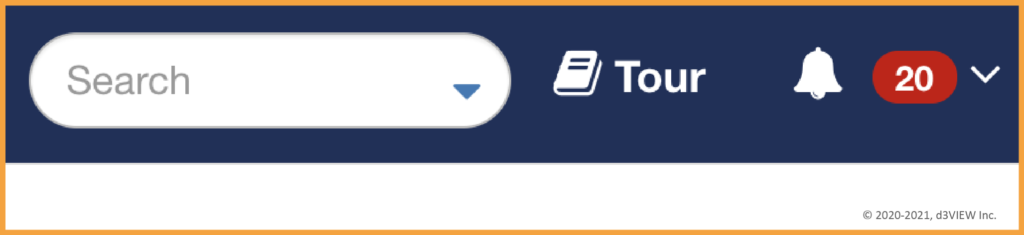
UPDATE: Tour button has been renamed to “Learn” and is now located next to “Submit” towards the left side of the top blue header.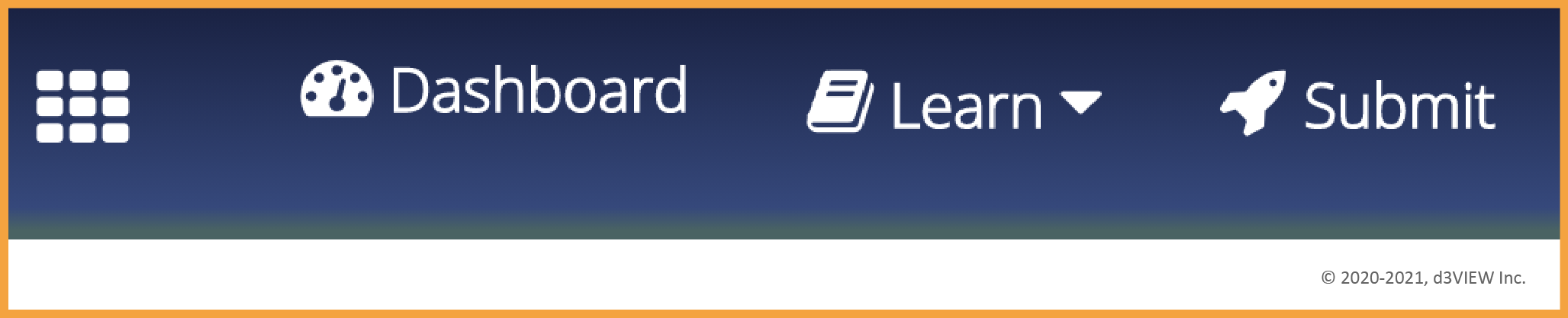
Tours are accessible anytime and generally last 3 minutes or less.