d3VIEW’s application for scientific databases boasts intelligent features that make managing and organizing data painless. Not only does the app organize data into an advanced table, but it’s filters, viewing and visualization capabilities enhance the experience of data governance. Let’s review these amazing features.
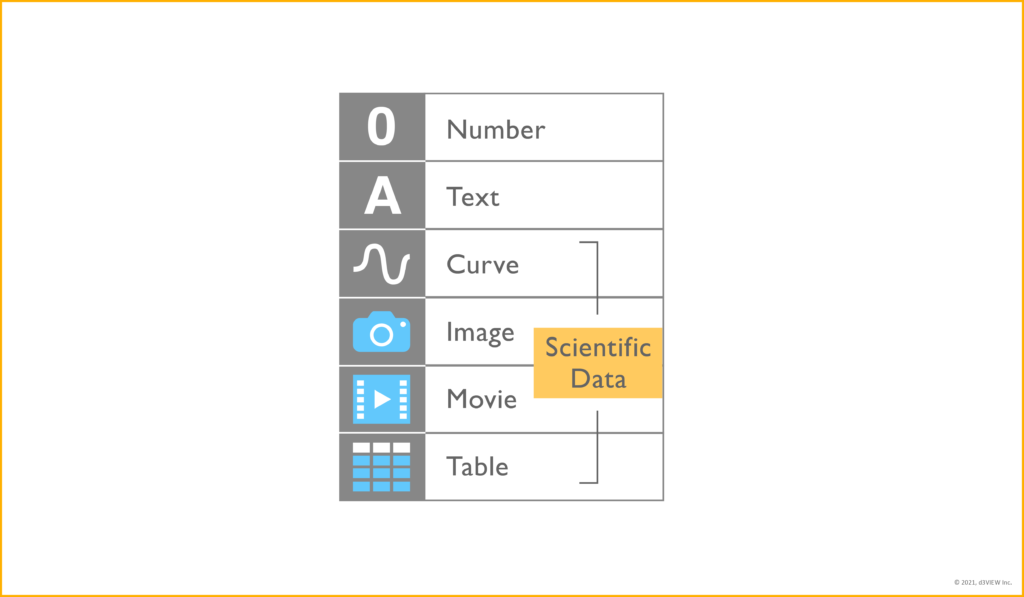
Scientific Data Support
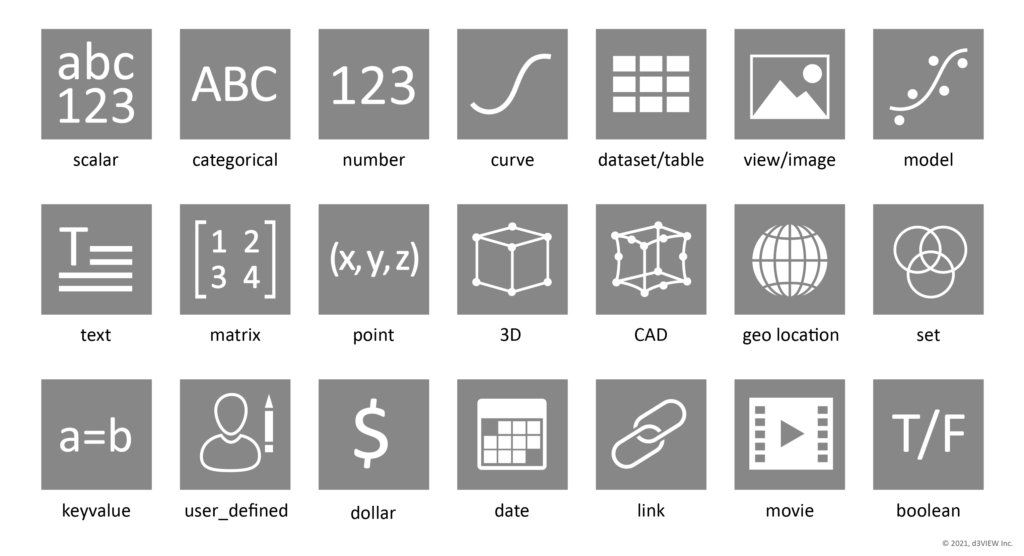
Databases support an array of data types that include scientific data such as curves, movies and images.
Advanced Data Tables
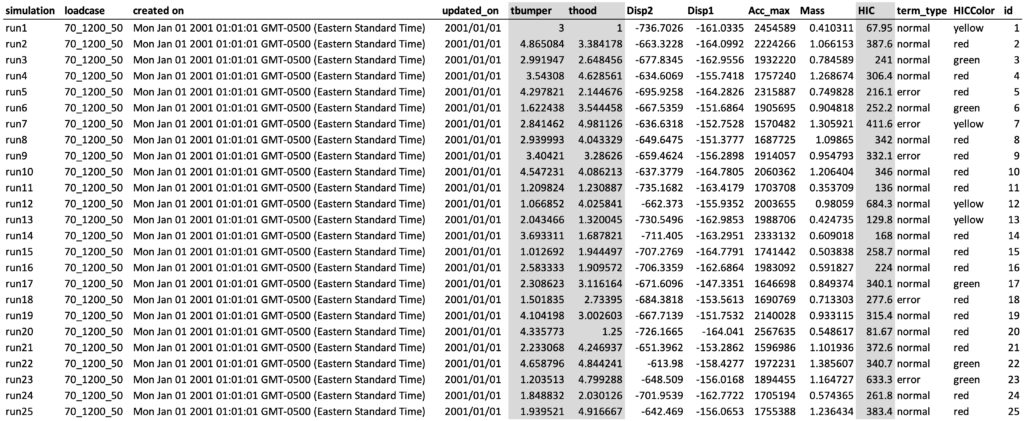
Database records are set up in a highly customizable data table. Choose from an array of visualization types, change the visibility of columns, edit text display and even visualized data columns.
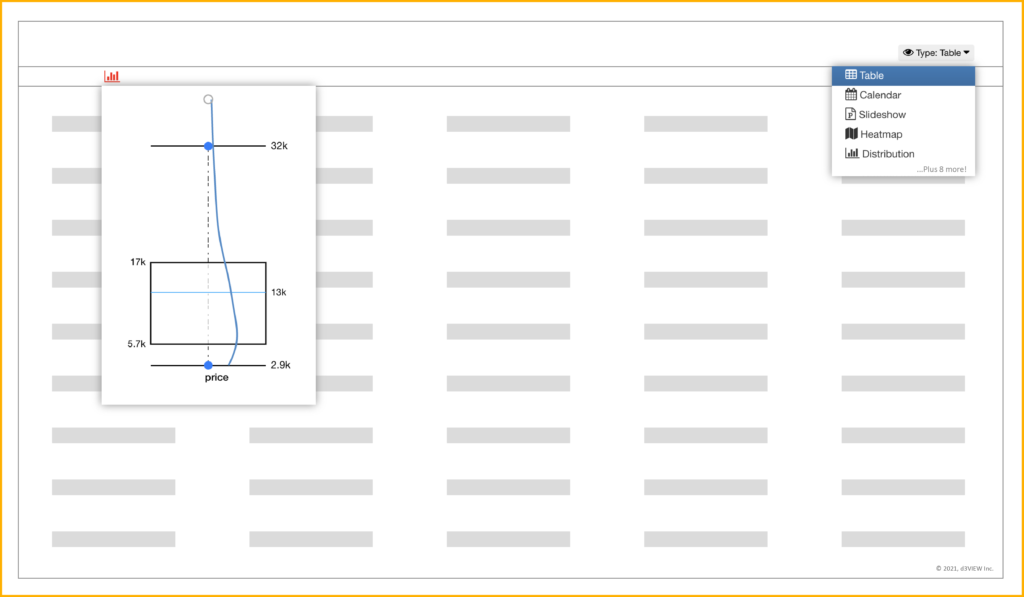
Read more about data tables in this blog post.
Smart Filters
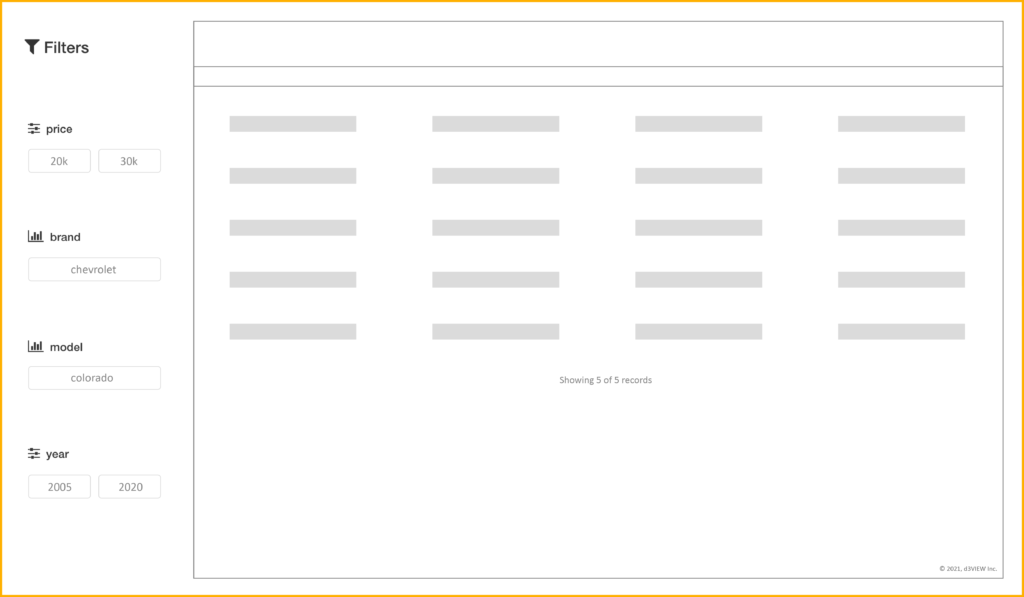
Sift through database records by using dedicated filters that adapt to data. Delete, add and customize filters that are based on data table columns.
Integrated Data Viewer
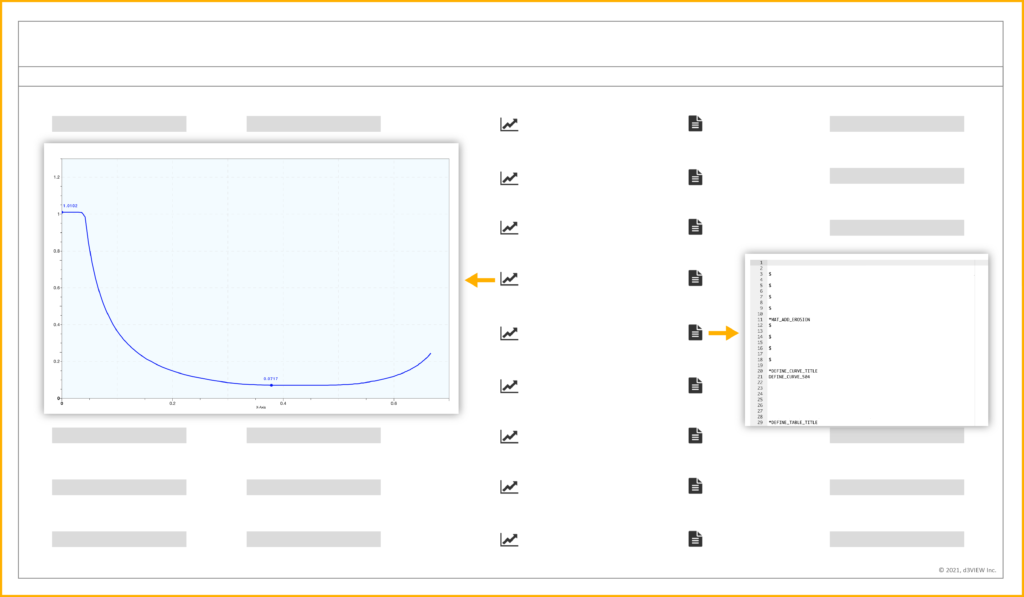
The data viewer seamlessly integrates into the table of records. View data such as curves or keywords simply by clicking on the icon in the respective cells.
Visualizations & Layouts
Databases unites with Simlytiks to make visualizing data uncomplicated. An exploration of database records can be saved as a view layout to be used on future record comparisons.
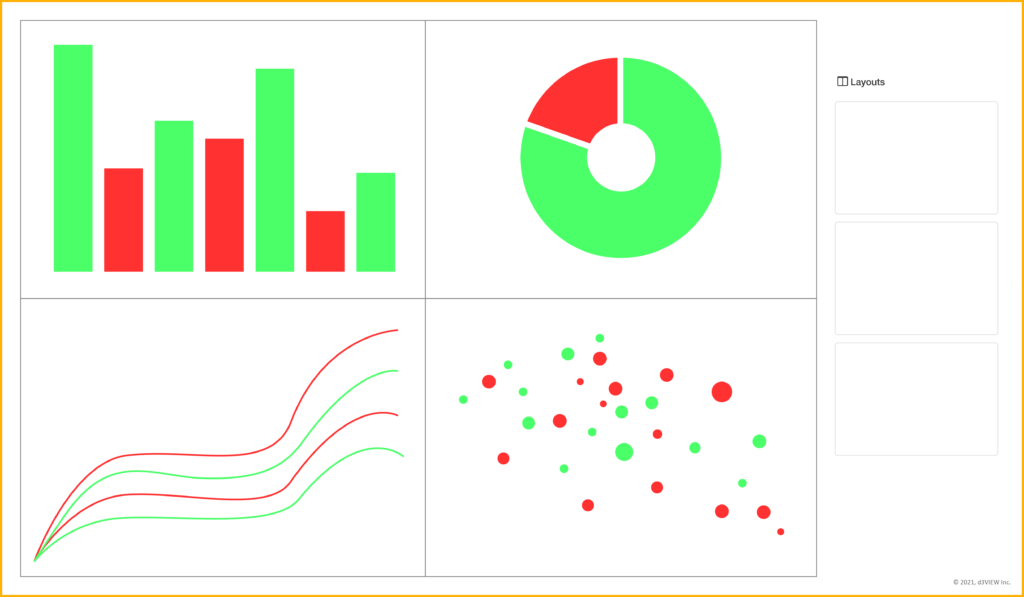
To read more about layouts, check out this blog post. To learn more about Simlytiks, check out the application’s page.
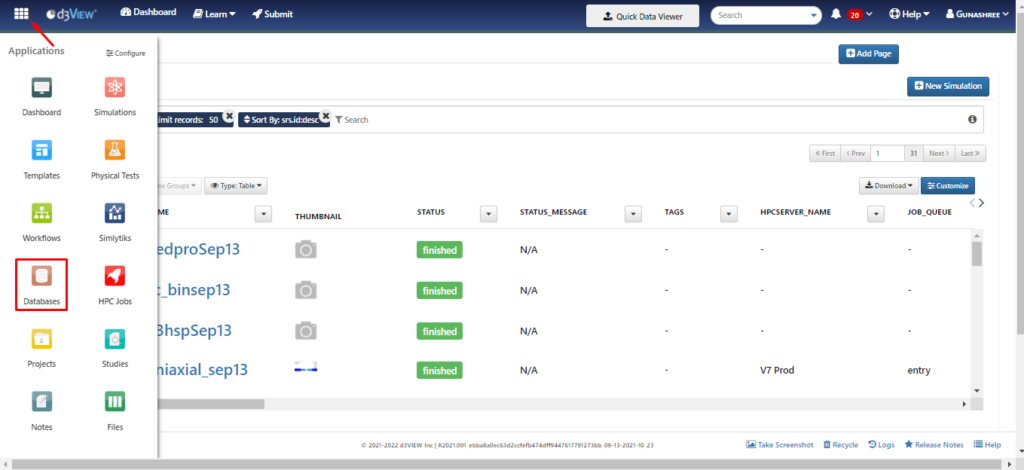
Visit the Databases page to learn more about this application.