18. Modern Design View and Dark Theme in Workflows
18.1. Overview
The Modern Design View introduces an enhanced user interface in Workflows, focusing on improved usability, visualization, and personalization. It also includes support for a Dark Theme and seamless theme switching.
This update provides a more intuitive and visually engaging workflow experience.
18.2. Enabling Modern Design View
A new setting is available under Design in Workflows called “Modern”.
To enable:
- Navigate to Workflows.
- Open Settings.
- Locate the Design option.
- Select Modern.
Once enabled, the Workflow interface updates to the Modern view.
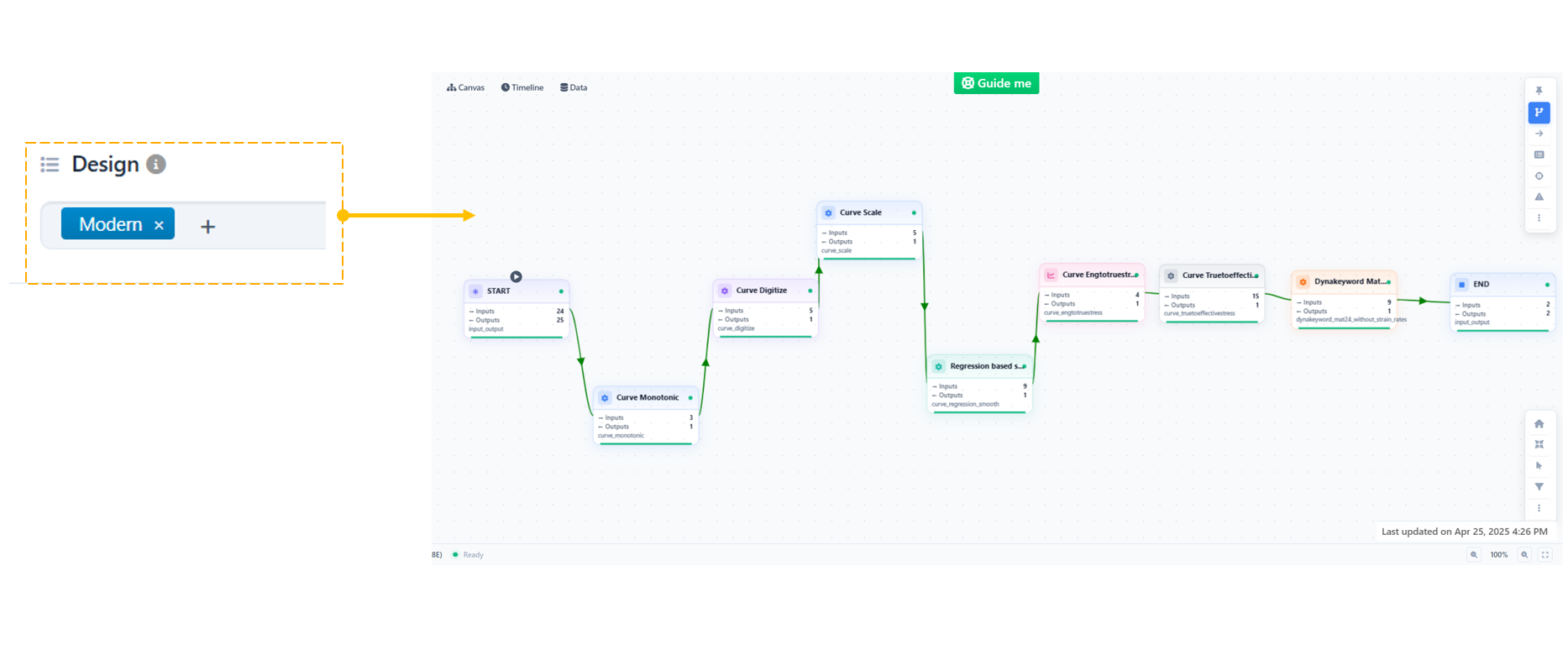
Modern Design setting
18.3. Execution Visualization in Modern View
The Modern Design View enhances workflow execution visibility with dynamic animations and visual cues.
Key Capabilities:
- Animated Execution Flow - Workflow path is dynamically highlighted during execution - Smooth animations show data movement across nodes
- Active Worker Highlighting - Currently executing worker is visually emphasized - Helps users quickly identify execution progress
18.4. Worker Highlighting
Workers in execution are clearly highlighted to improve tracking and debugging.
- Active worker is visually distinct
- Improves clarity in complex workflows
- Enables quick identification of execution stage
18.5. Flow Animation
The workflow execution path is animated to provide better insight into data flow.
- Smooth transitions between nodes
- Visual representation of execution sequence
- Enhanced understanding of workflow logic
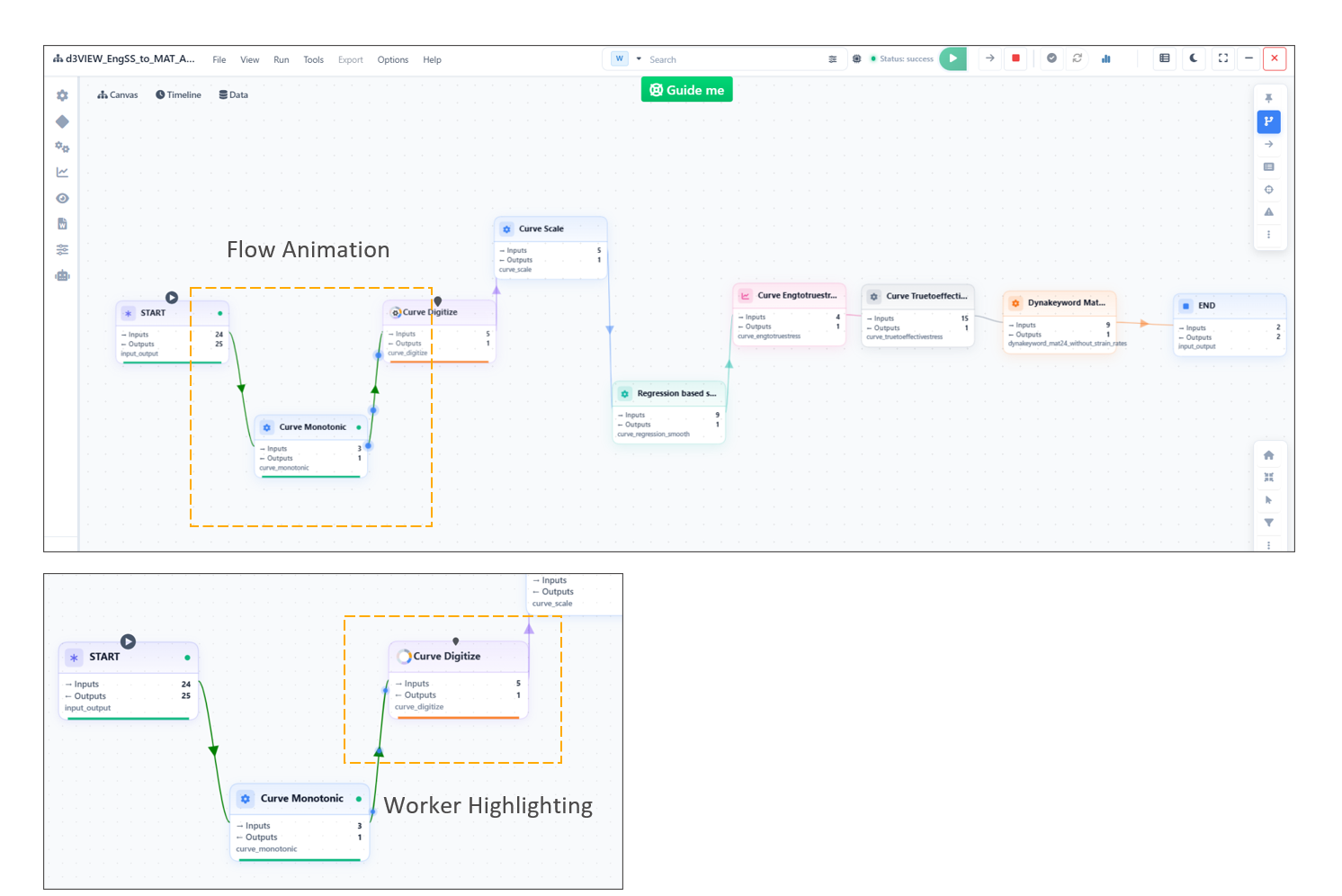
Workflow execution
18.6. Theme Support in Modern View
The Modern View includes built-in support for both Light and Dark themes.
Theme Switching:
- Users can seamlessly switch between: - Light Theme - Dark Theme
- A toggle switch is available for quick switching
- No reload required for theme changes
18.7. Dark Theme Experience
The Dark Theme enhances usability, especially in low-light environments.
Features:
- Optimized contrast for readability
- Reduced eye strain
- Consistent styling across workflow components
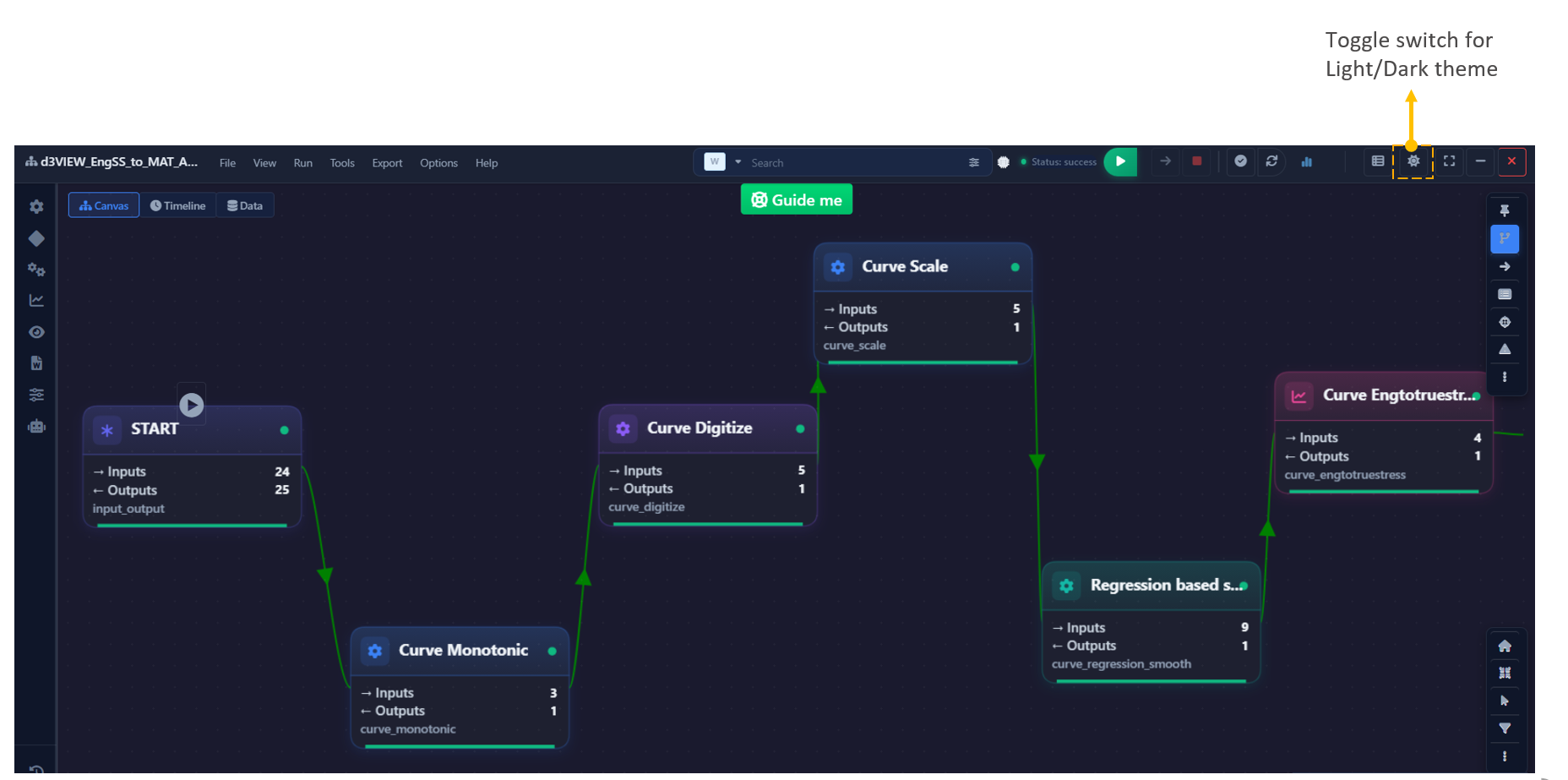
Dark Theme Experience
Animated Workflow in Dark View.
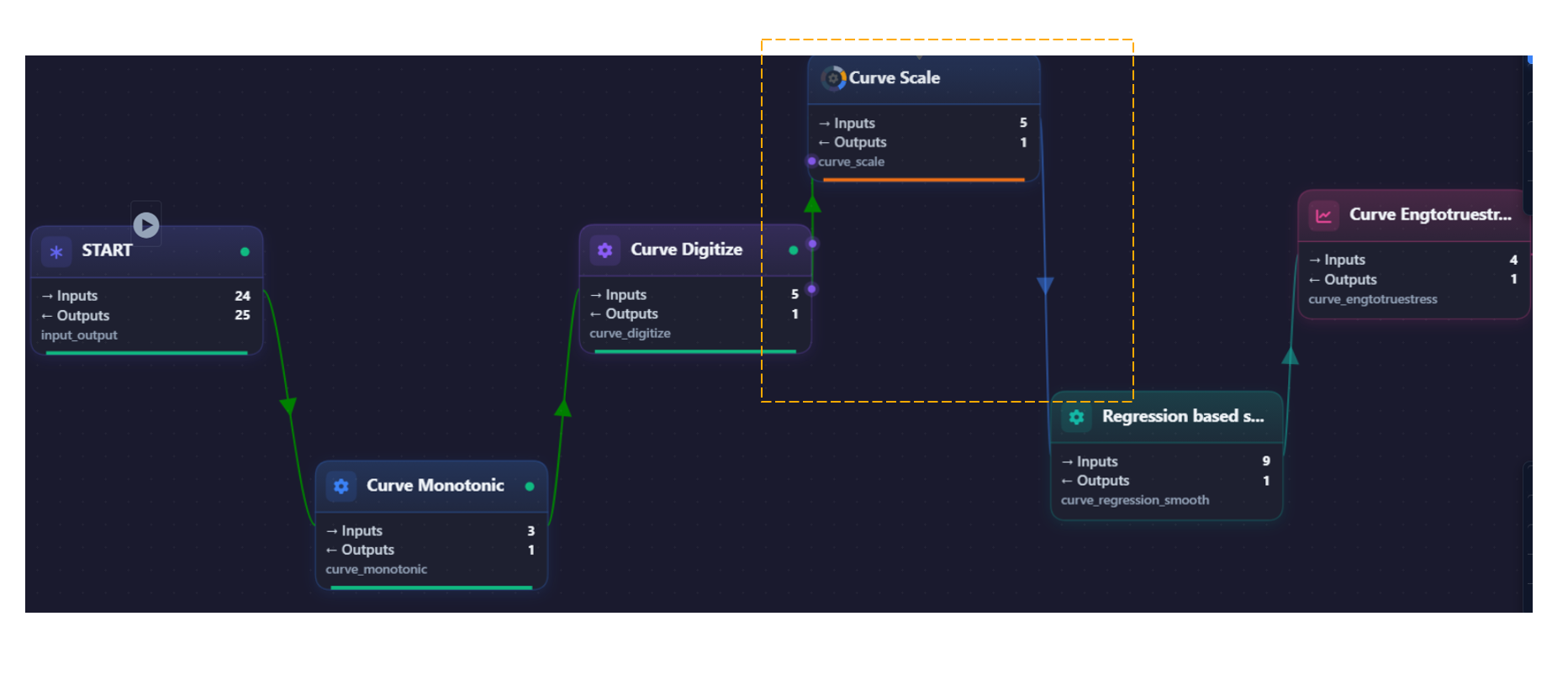
Dark Theme Experience
Worker View
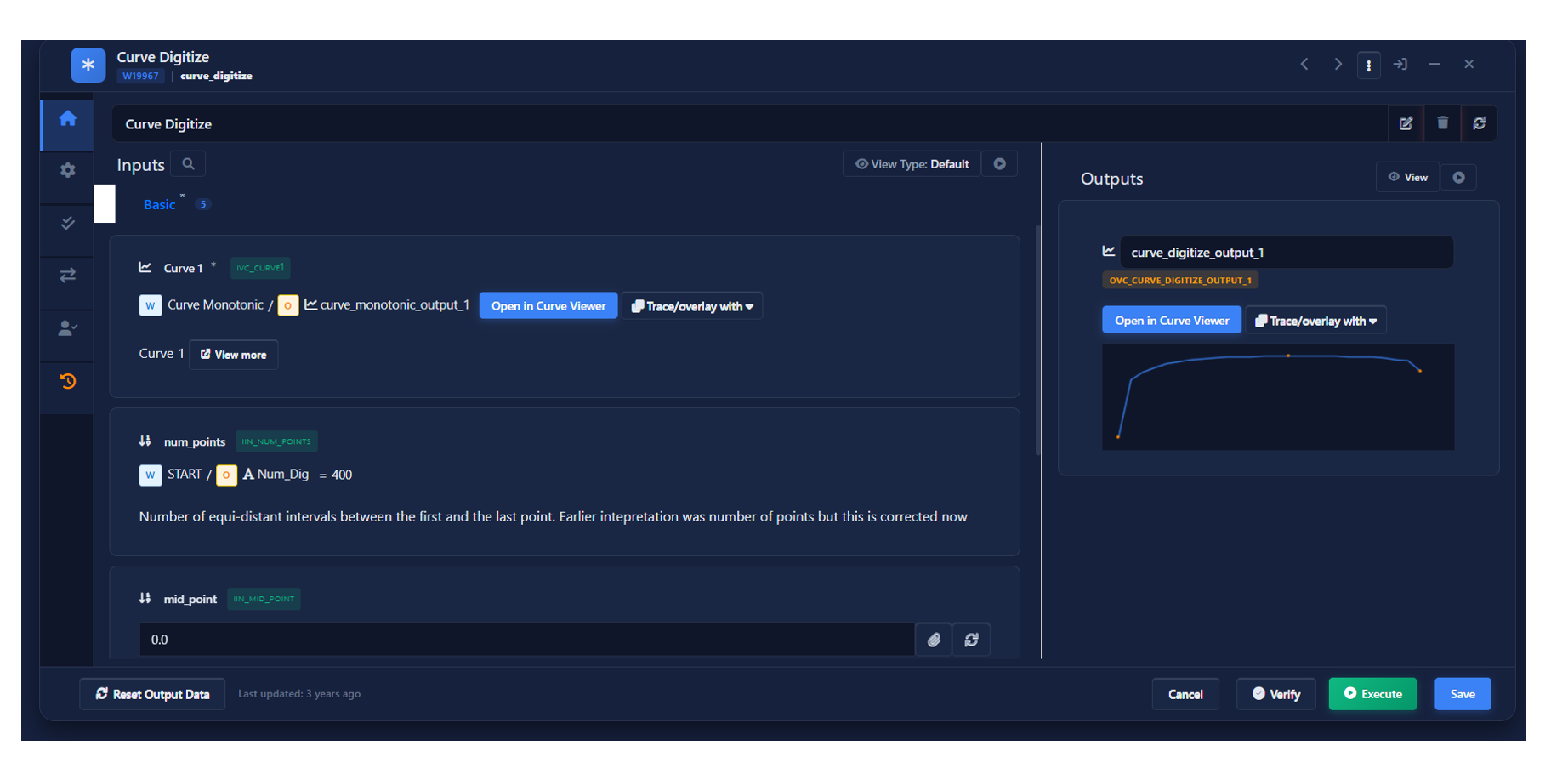
Worker View
18.8. Additional Features
- AutoPlay Mode - Enables automated workflow execution playback - Useful for demonstrations and analysis
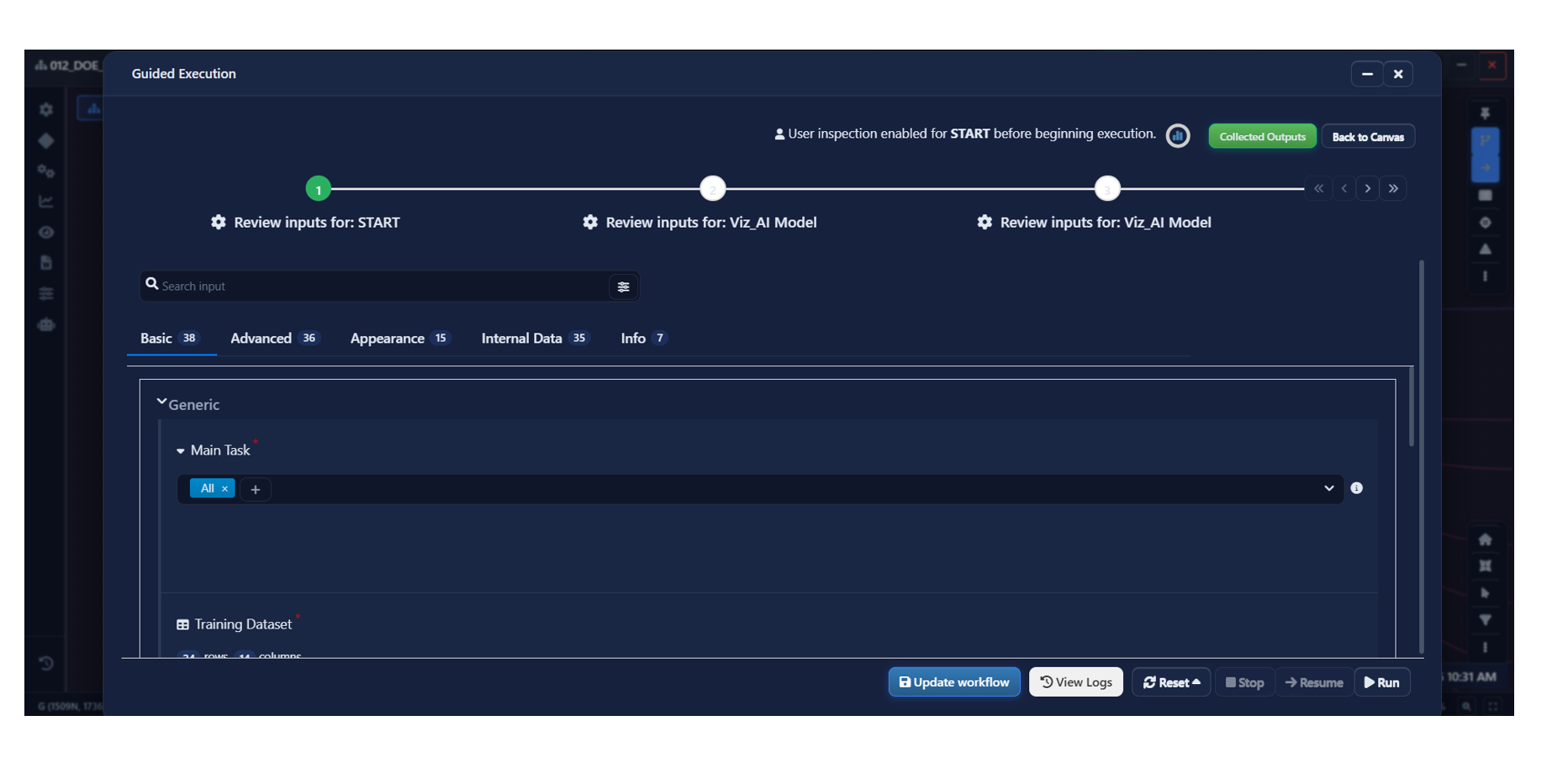
AutoPlay Mode
18.9. Benefits
- More intuitive and modern interface
- Enhanced execution visualization
- Improved usability with Dark Theme
- Seamless personalization with theme switching
- Better clarity in complex workflows
18.10. Conclusion
The Modern Design View represents a significant improvement in workflow usability and visualization.
- Provides a more intuitive user experience
- Enhances efficiency through better visual feedback
- Supports personalization with Light and Dark themes