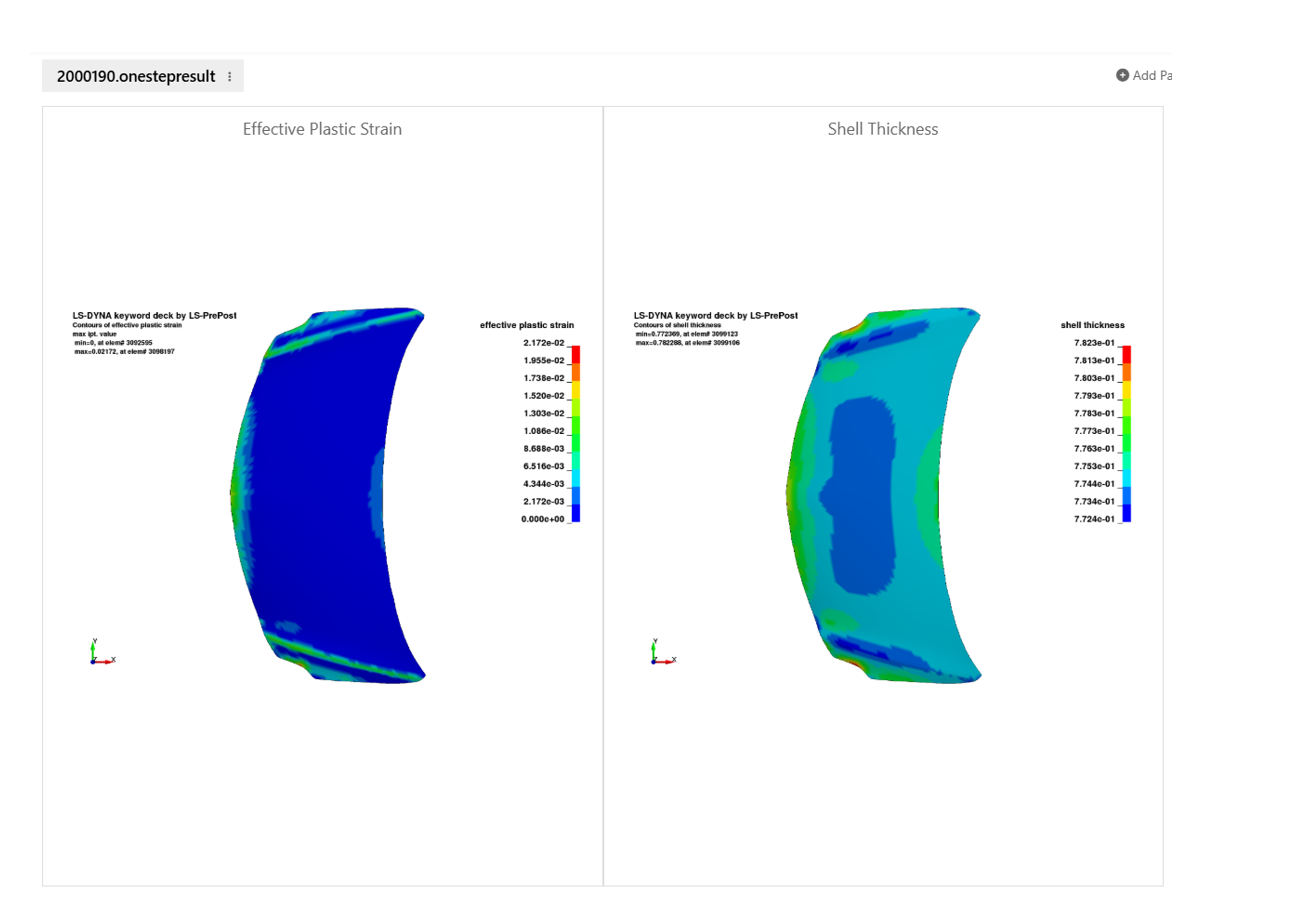
Stamping Effect Simulator
Stamping Effect Simulator Overview
Purpose
- Run LS-DYNA OneStep simulation directly from workflow
- Automate preprocessing and job submission
- Generate thickness & strain contour results
Workflow Inputs
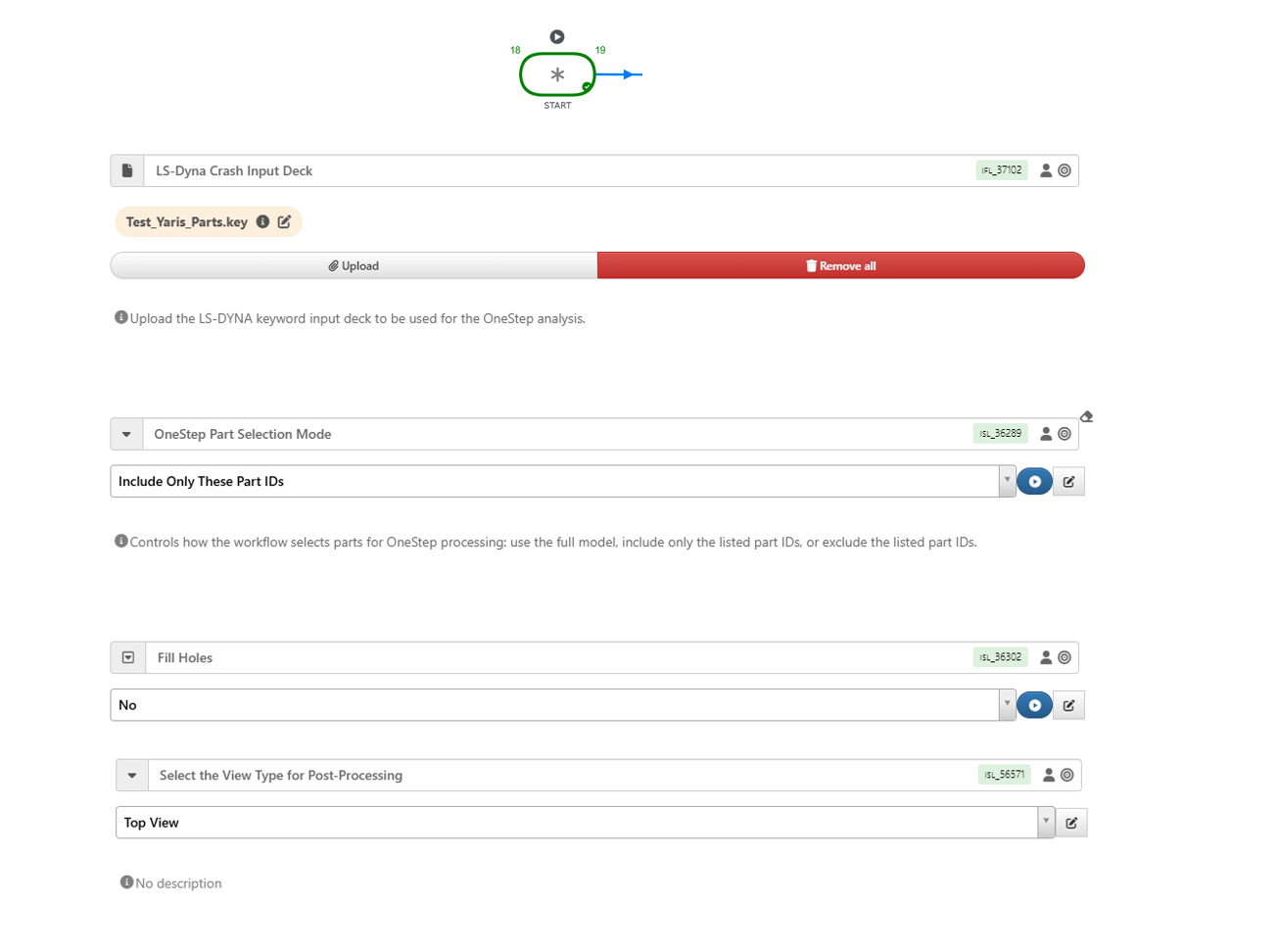
Workflow will need below inputs
- Input keyword file
- Optional part filtering
- Optional hole filling threshold
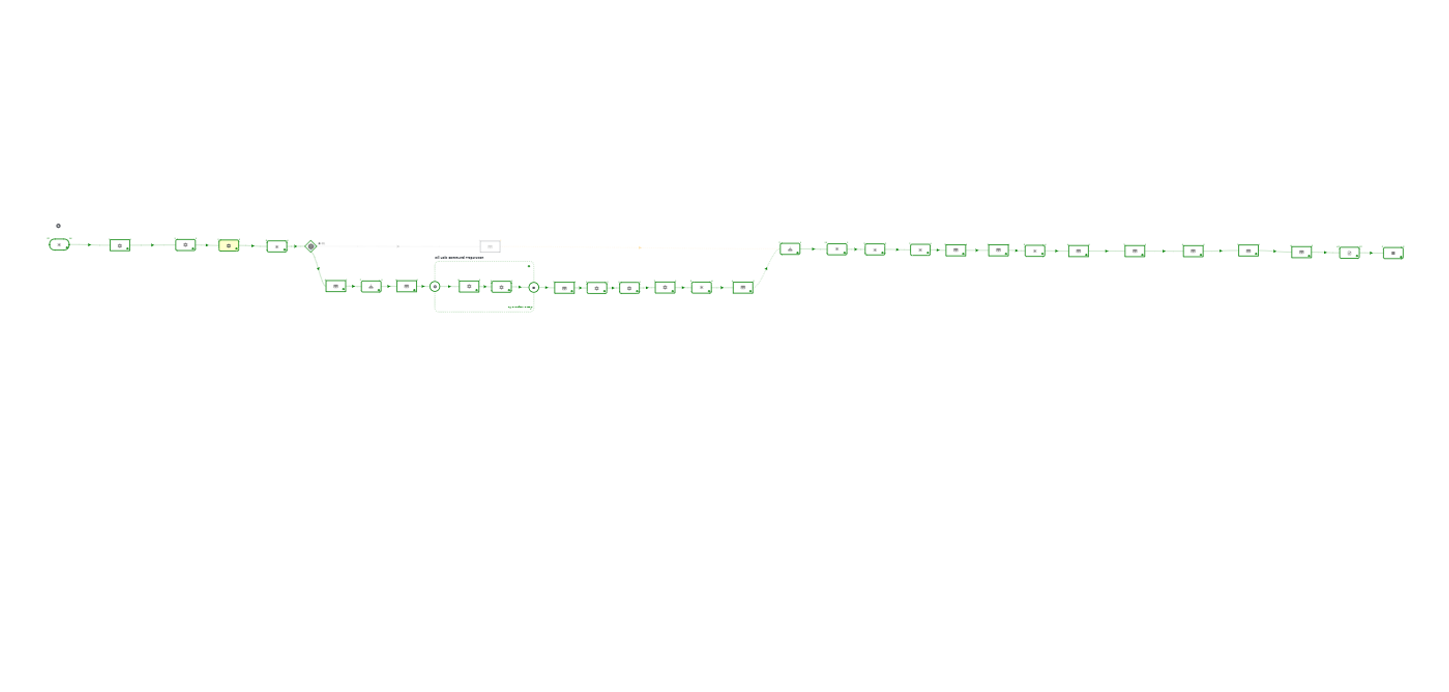
Workflow Execution : Automated Processing Steps
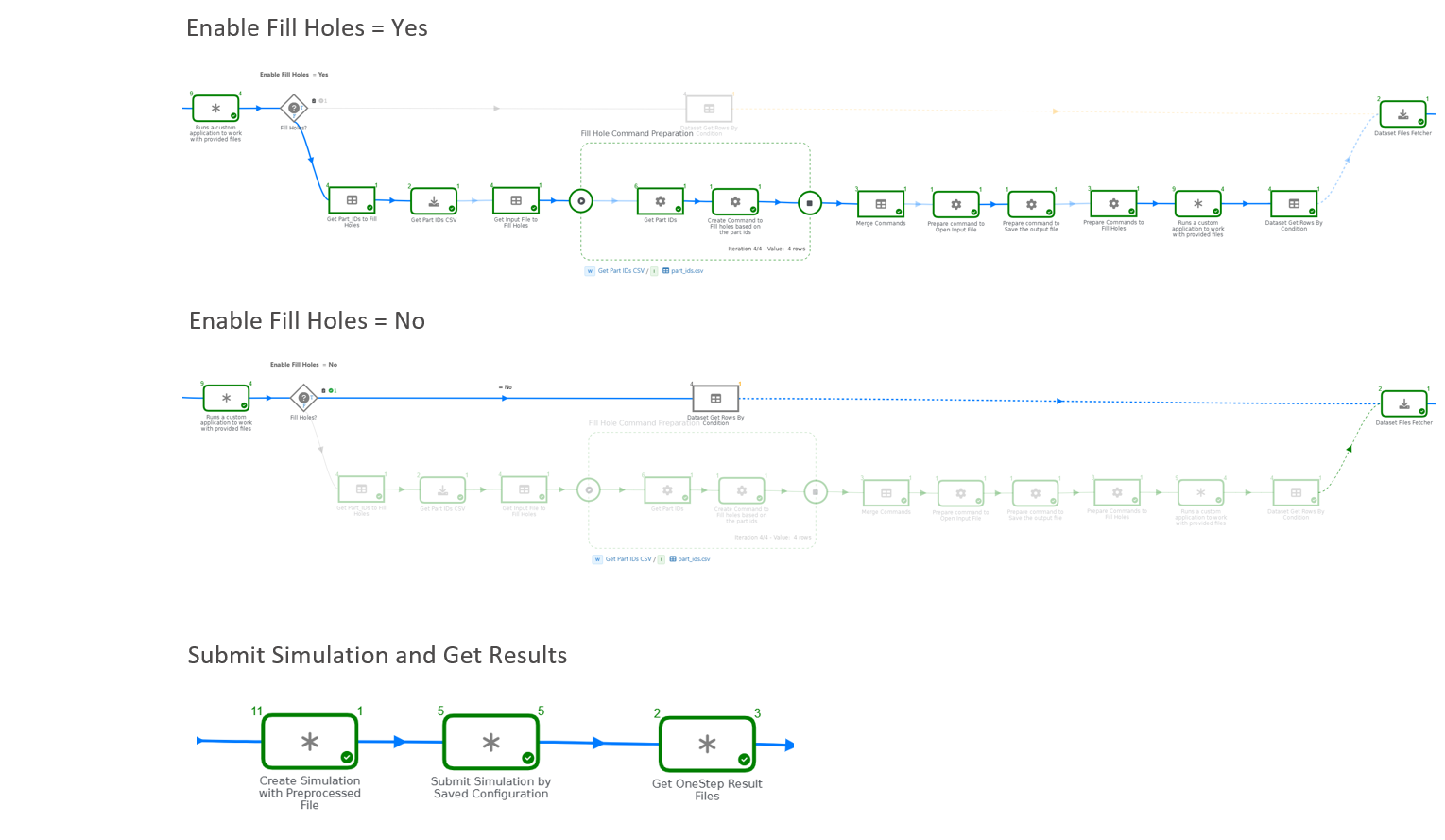
Execution Flow:
- Read input deck
- Apply part filtering (if selected)
- Fill small holes (if enabled)
- Prepare OneStep model
- Submit LS-DYNA job
- Extract and generate result images
Output And Results
Workflow Generates:
- OneStep simulation results (keyword Files)
- Thickness distribution image
- Effective plastic strain image